Moving from the RP Hypertrophy app to Meso Gym? Import your data and pick up where you left off: your mesocycles, logged sets and plans come with you.
Finished mesocycles with every logged set
Your pump, soreness and workload ratings
Unstarted plans become templates
How To Move Your Training
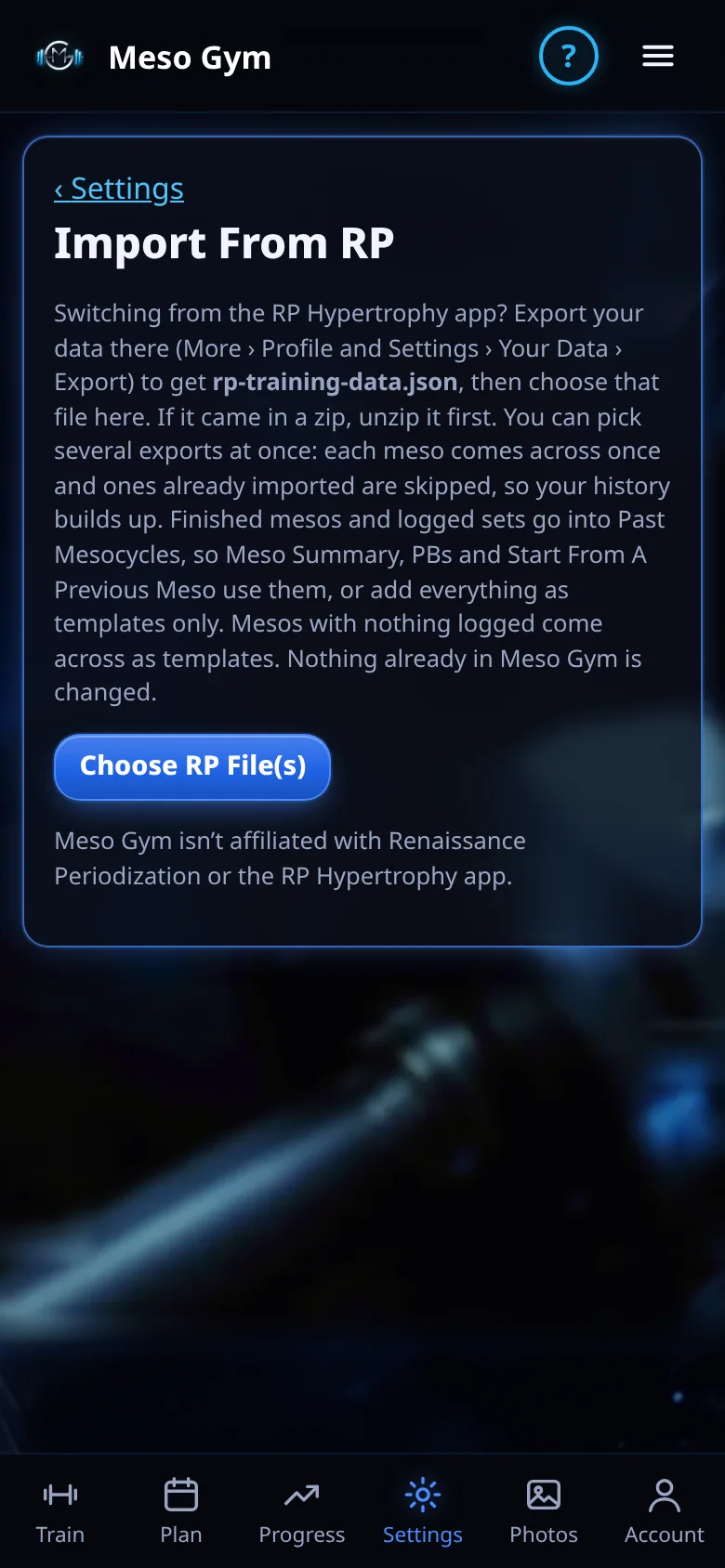
Export from the RP Hypertrophy app. In the RP Hypertrophy app, go to More › Profile and Settings › Your Data › Export. You get a file called rp-training-data.json (sometimes inside a zip). Save it to your phone.
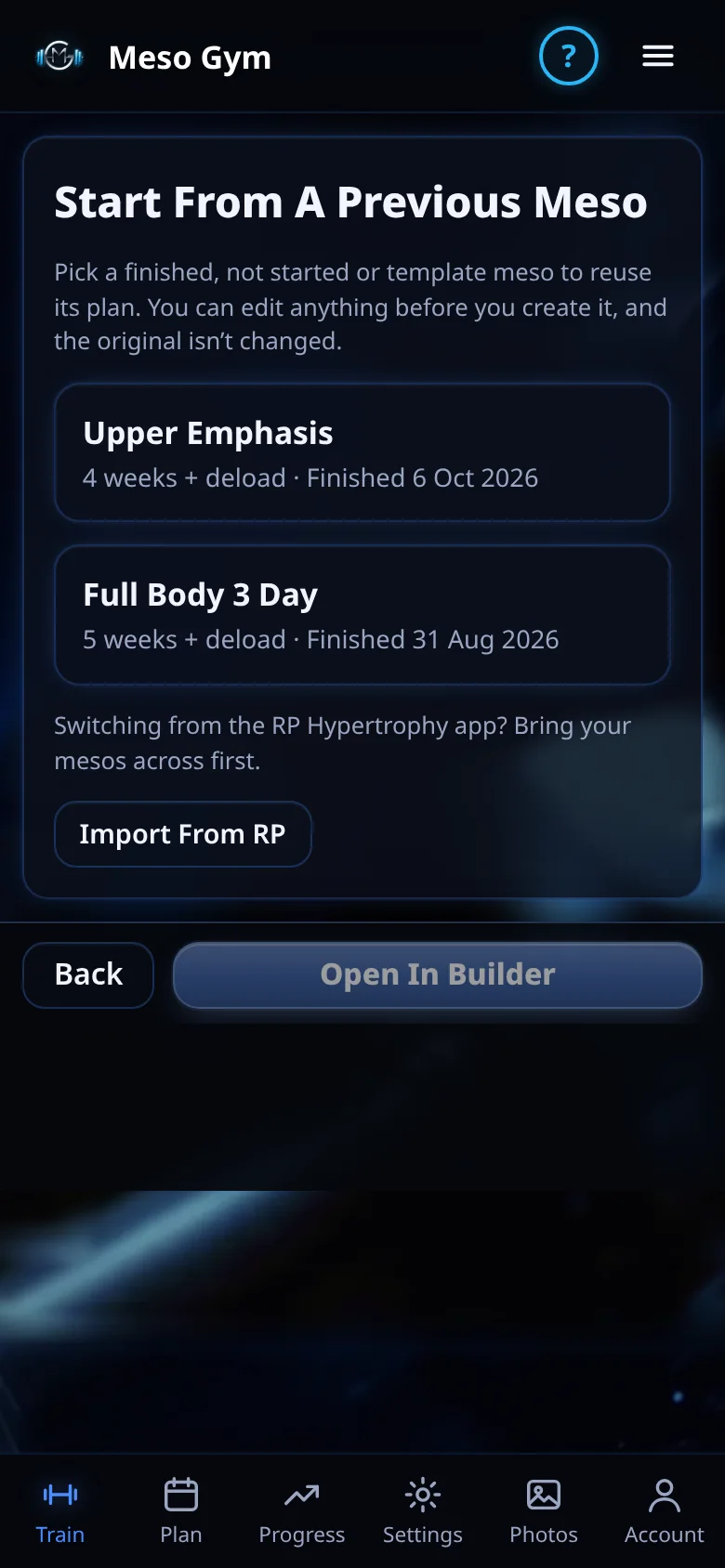
Open Meso Gym. Go to Settings › Backup › Import From RP. It's also under Plan › Past Mesocycles and on Start From A Previous Meso.
Choose the file. Pick the json file, or the zip it came in. Meso Gym shows what it found before anything is added.
Check any unmatched exercises. Most exercises match a Meso Gym exercise automatically. For the rest, pick the closest one from the list, or keep it as your own custom exercise with the same name.
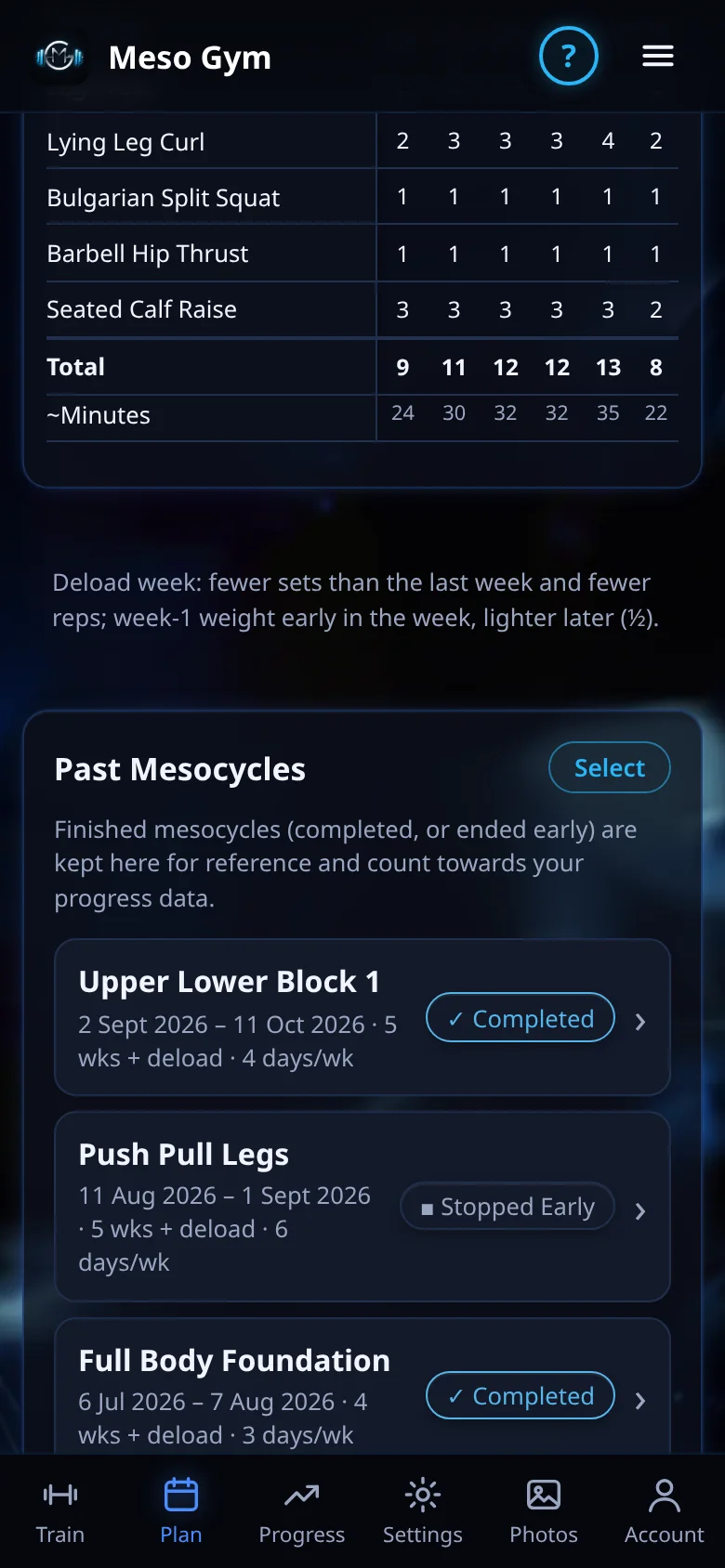
Import. Your mesos appear in Past Mesocycles, ready for your next block.
Import From RP is in the web app now, and in the iPhone and Android apps (version 1.4.0 and later). Sign in with the same account and imported mesos sync to your phone.
What Comes Across
Finished mesocycles, with every workout, set, weight and rep you logged, plus joint pain and your pump, soreness and workload ratings.
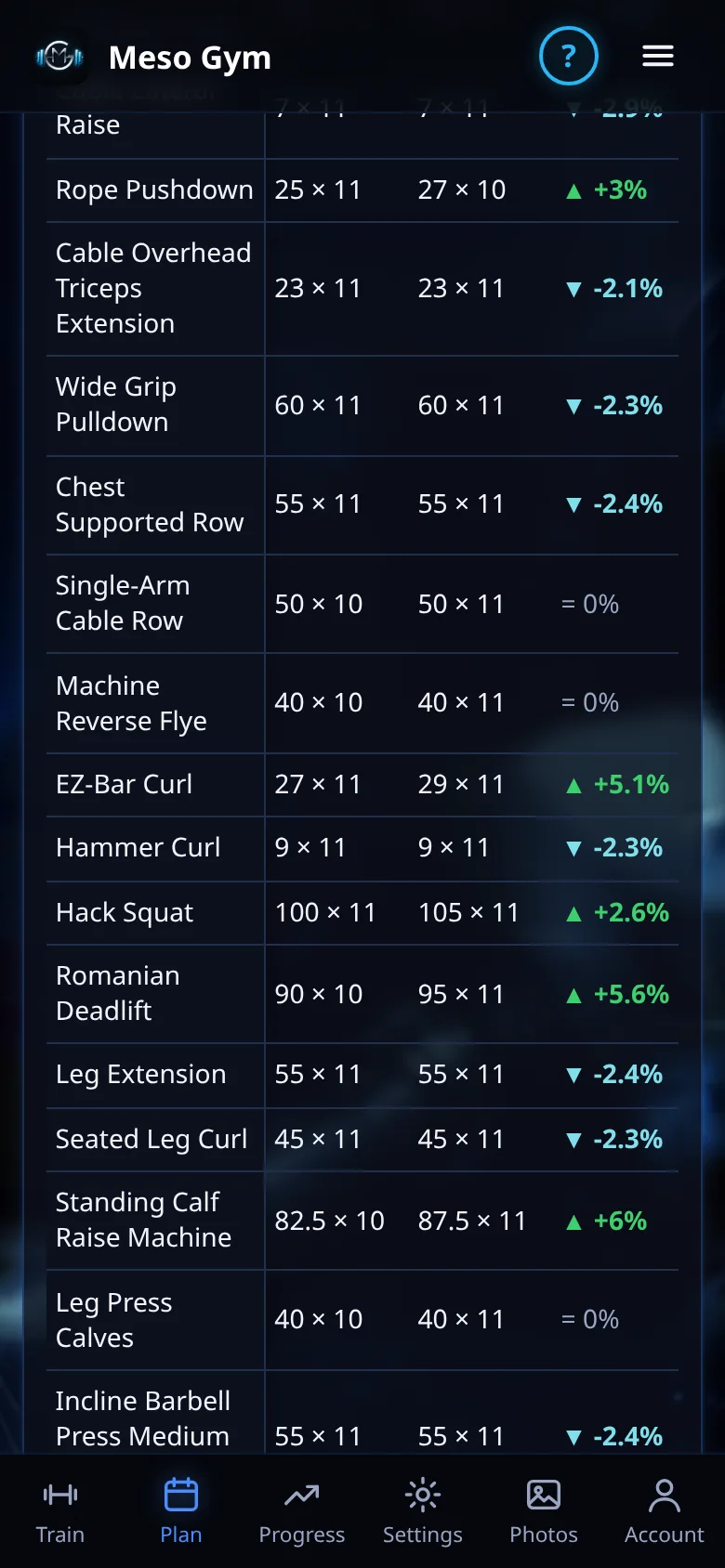
Meso Summary and progress: imported mesos count towards your strength gains, personal bests and exercise history.
Start From A Previous Meso: reuse an imported meso as the starting point for your next one.
Plans you hadn't started come across as templates, so you can build your first Meso Gym meso from them.
Kg or lb: each meso keeps the unit you trained in.
Good To Know
Nothing already in Meso Gym is changed, and importing the same file twice doesn't add anything twice.
Deleted mesos in your export are left out.
Your training is saved on your phone and, when you sign in, syncs to your Meso Gym account and the web app.
Importing is free. Training with Meso Gym Pro starts with a 7-day Pro trial.
After The Import
Pick Up Where You Left Off
Imported mesos appear in Past Mesocycles and count towards your strength gains, personal bests and exercise history. Start your next block from any of them.
Every logged set, weight and rep, plus your feedback ratings.
Unstarted plans become templates.
Kg or lb: each meso keeps the unit you trained in.
Looking For An RP Hypertrophy Alternative?
Meso Gym plans your training in mesocycles: 4, 5 or 6 working weeks plus a deload, RIR targets on every set, and next week's sets adjusted from your pump, soreness and workload ratings. Pro is $80 a year, with a 7-day Pro trial. Compare Meso Gym and RP Hypertrophy →
Questions
Can I Move My RP Hypertrophy Data To Meso Gym?
Yes, with Import From RP. Export your data from the RP Hypertrophy app, then choose the file in Meso Gym under Settings › Backup › Import From RP. Finished mesocycles come across with their logged sets, and unstarted plans become templates.
Which File Do I Need?
The rp-training-data.json file from the RP Hypertrophy app's data export, or the zip it came in. You use it with Import From RP.
What If An Exercise Isn't In Meso Gym?
With the import, most exercises match automatically. For the rest you pick the closest Meso Gym exercise, or keep it as a custom exercise with the same name.
Is Meso Gym An RP Hypertrophy Alternative?
Meso Gym is a separate hypertrophy training app built around mesocycles, RIR targets, deloads and weekly pump, soreness and workload feedback. See the Meso Gym vs RP page for a side-by-side comparison.
Is Meso Gym Affiliated With RP?
No. Meso Gym is an independent app and isn't affiliated with, endorsed by or connected to Renaissance Periodization or the RP Hypertrophy app.
Meso Gym is an independent app and isn't affiliated with, endorsed by or connected to Renaissance Periodization or the RP Hypertrophy app. RP Hypertrophy is a trademark of its owner and is named here only to describe the import. Export steps checked in October 2026 and may change.