Plan And Past Mesos
See your current meso day by day, its weekly sets per muscle and every past meso.
Step By Step
- Open the Plan tab.
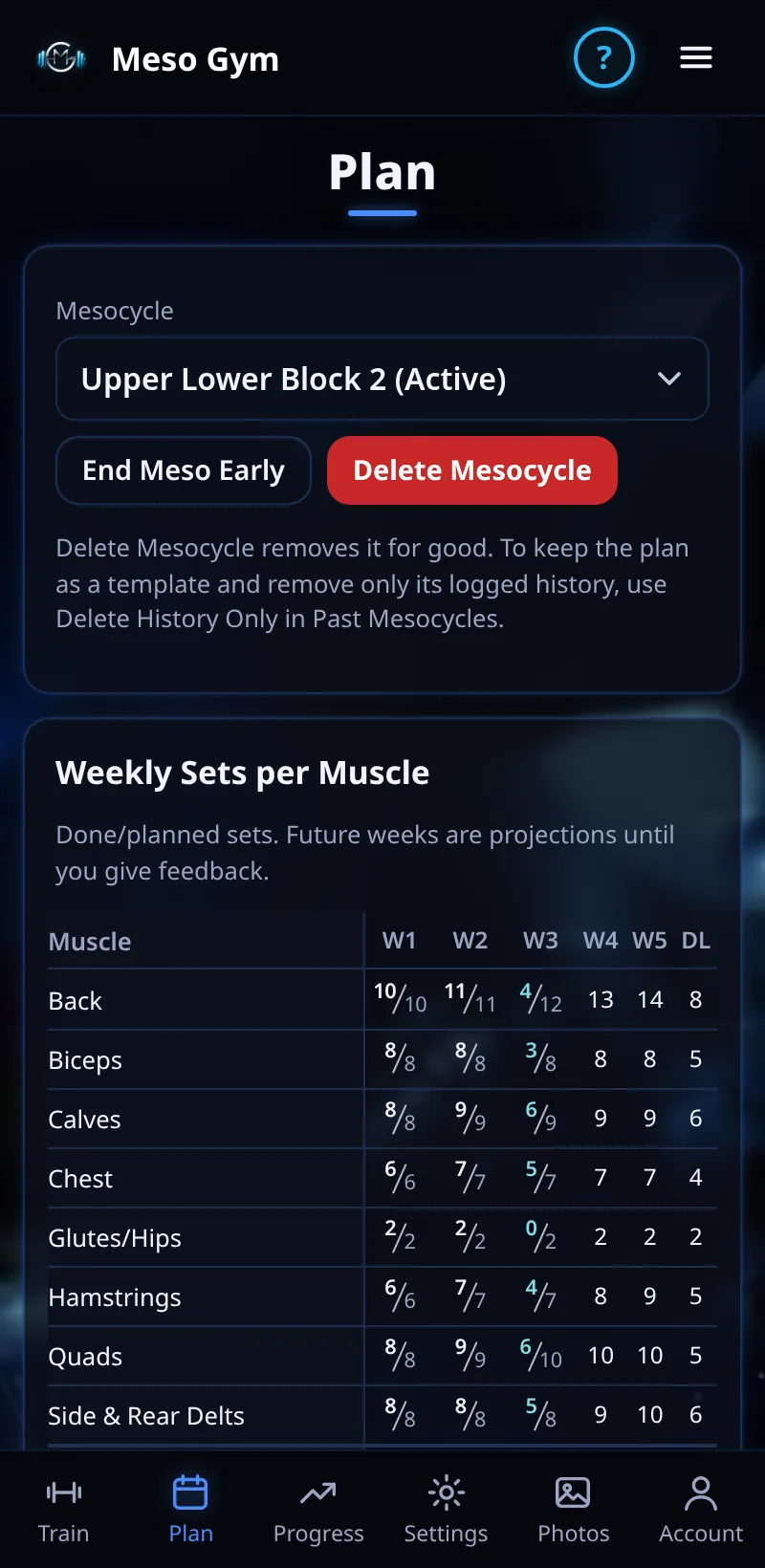
- Your active meso shows each day and its exercises, plus weekly sets per muscle, done and planned.
- Use Make Active, End Meso Early or Start Next Meso From This.
- Past Mesocycles lists finished mesos. Tap one to see its summary, or Use as Template to start a new meso from it.
Good To Know
- Delete History Only removes a past meso's logged workouts but keeps its plan as a template.
How It Works
Past mesos are kept as read-only records of every session and your feedback, so you can see how a block went before planning the next one. Delete Mesocycle, at the top of Plan, removes a meso or template for good.
Common Questions
Can I run two mesos at once?
Only one is active; Make Active switches between them.
Does ending early lose my workouts?
No. End Meso Early keeps everything you've logged.