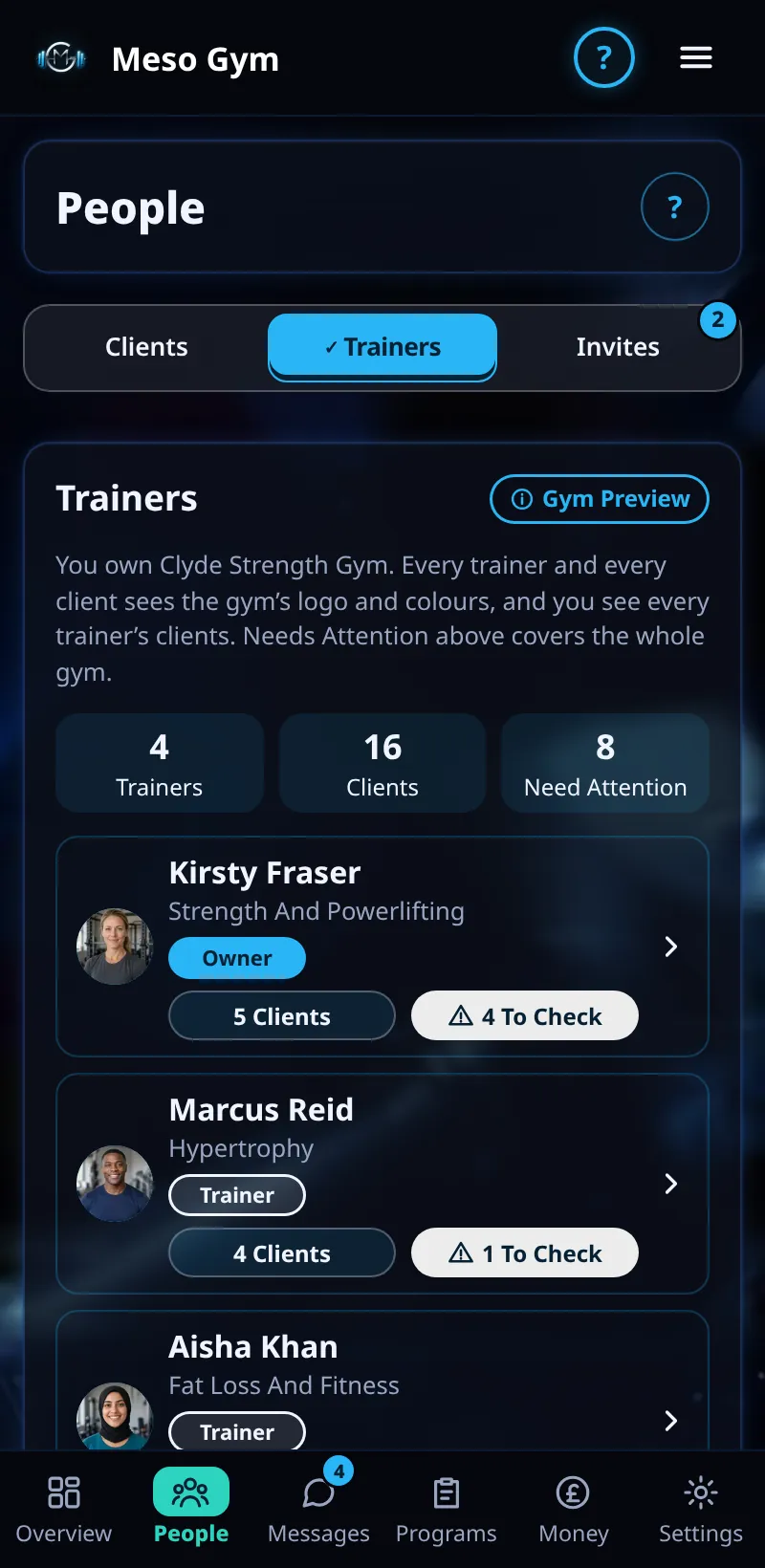
Trainers In Your Gym
See every trainer, their clients and who needs attention, and move a client to another trainer.
Step By Step
- Open Demo Gym and go to People.
- Trainers lists everyone in your gym, with their clients and how many need attention.
- Tap a trainer to see their clients. Tap a client to open them.
- Under Who Coaches Each Client, pick a trainer for any client. Their history, chat and check-ins move with them, and they get a note in their chat.
- Needs Attention covers the whole gym, so nothing is missed when a trainer is off.
Good To Know
- Each trainer sees only their own clients. This is checked on our servers, not just hidden on screen.
- As the owner you can read the messages your trainers send.
- Make Manager gives a trusted trainer the Manager role on Small Gym and up.
How It Works
On Small Gym and up you can filter the client list by trainer and move several clients at once. When a trainer leaves, a handover moves their clients to another trainer so nobody is left without a coach. On Large Gym and up, Overview adds trainer stats, such as revenue and reply times by trainer.
Common Questions
What can a Manager do?
Managers see Clients and Trainers to help run the team. Payment actions stay with the owner and managers.
Does the client choose their trainer?
No. The owner, or a manager, assigns them.