
Plan And History
Plan And History
Know what's next, see where the whole meso is heading and look back at any workout you've logged.
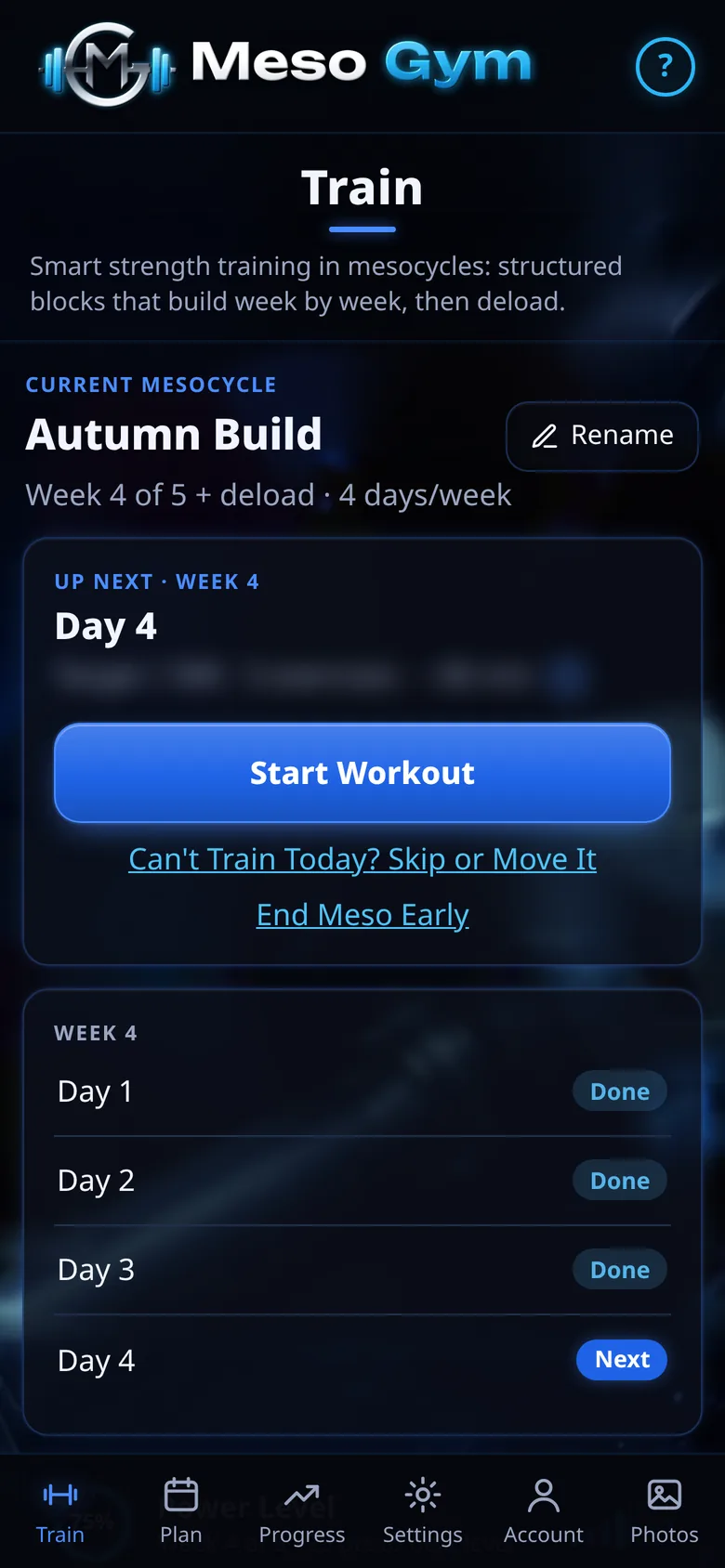
Your Train Screen
The Train screen shows your current meso, what's up next with its exercise count and estimated time, and a Start Workout button. Below it, this week's days show what's done and what's next.
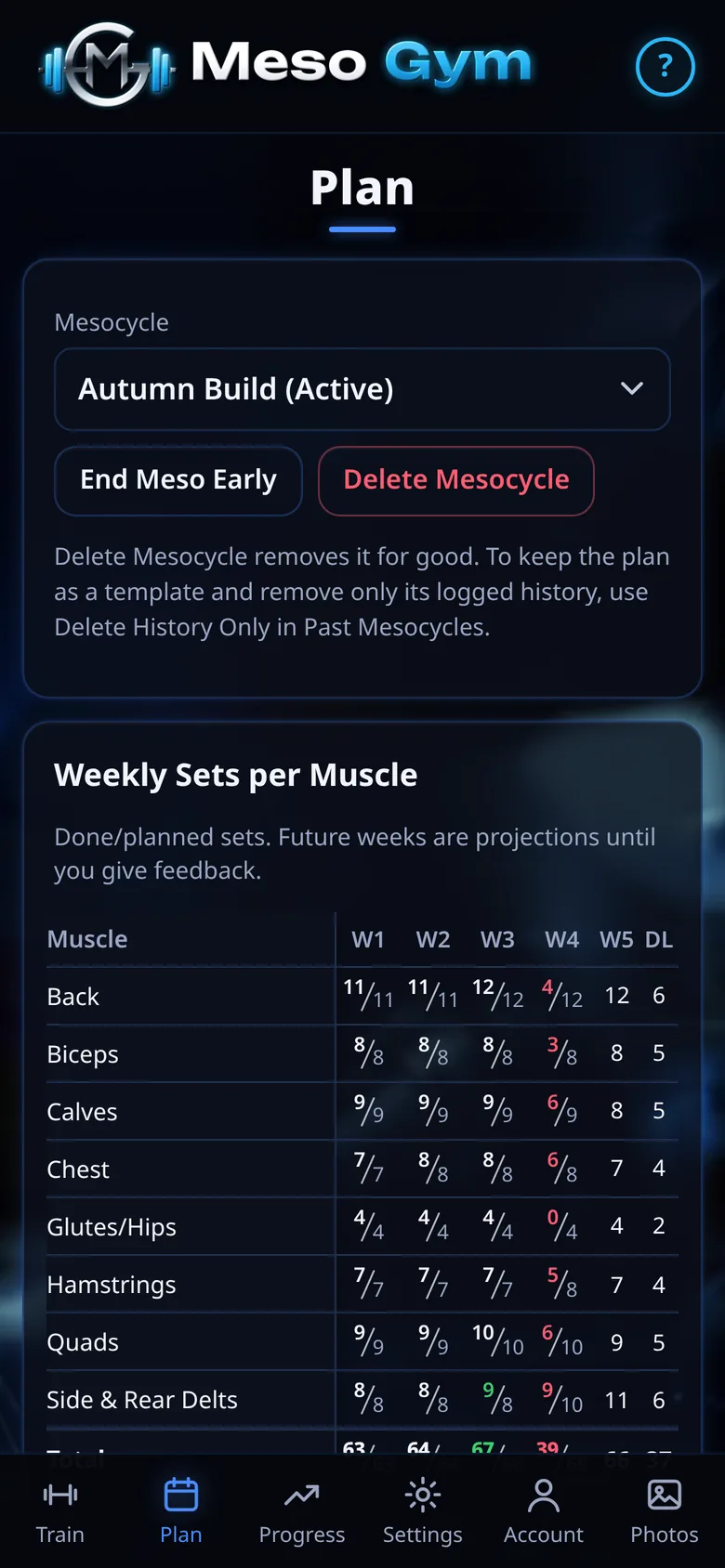
The Whole Meso On One Table
Plan shows weekly sets per muscle for every week of the meso, done against planned, with each day's exercises and estimated minutes. End a meso early, or start a new one from a past meso as a template.
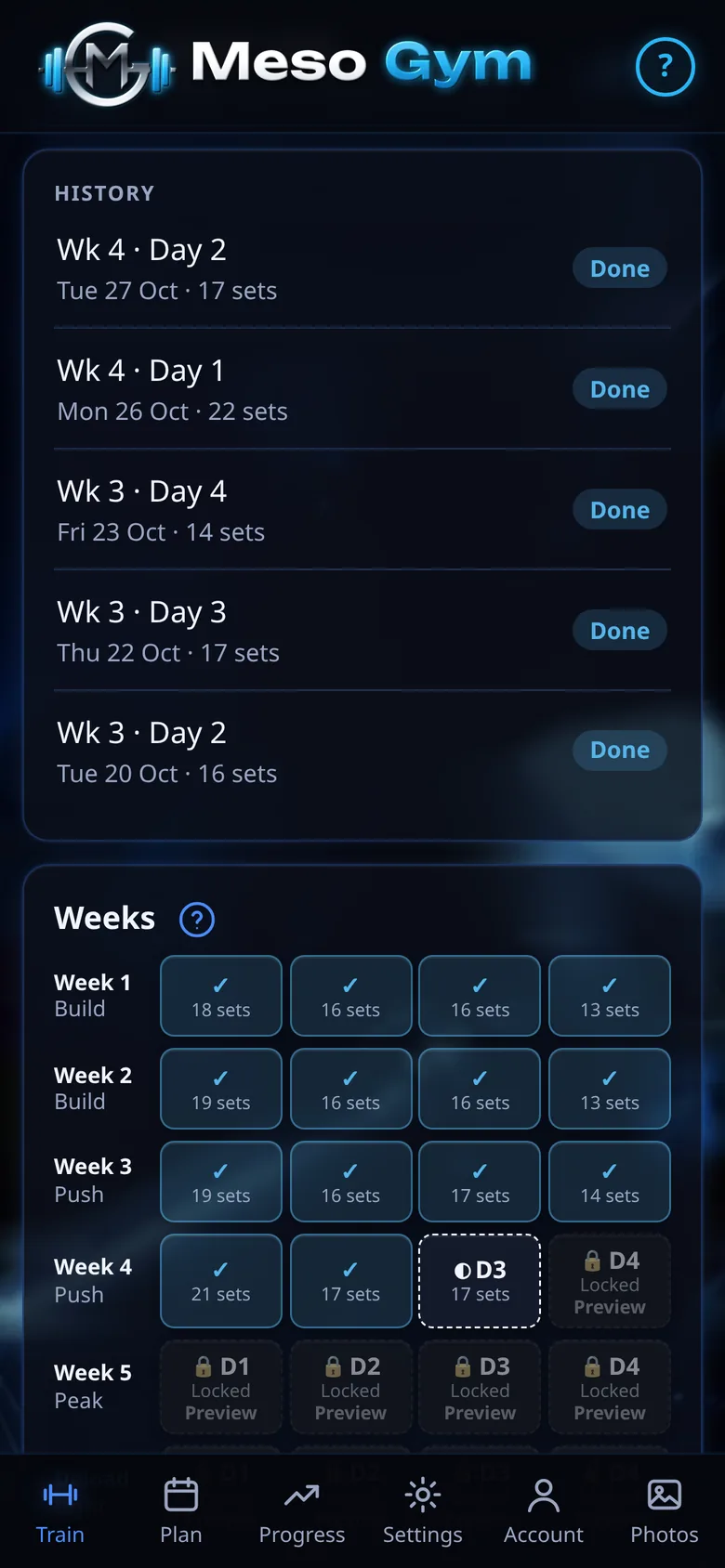
History At Your Fingertips
Recent sessions are listed on the Train screen with the date and number of sets. Tap one to open it.
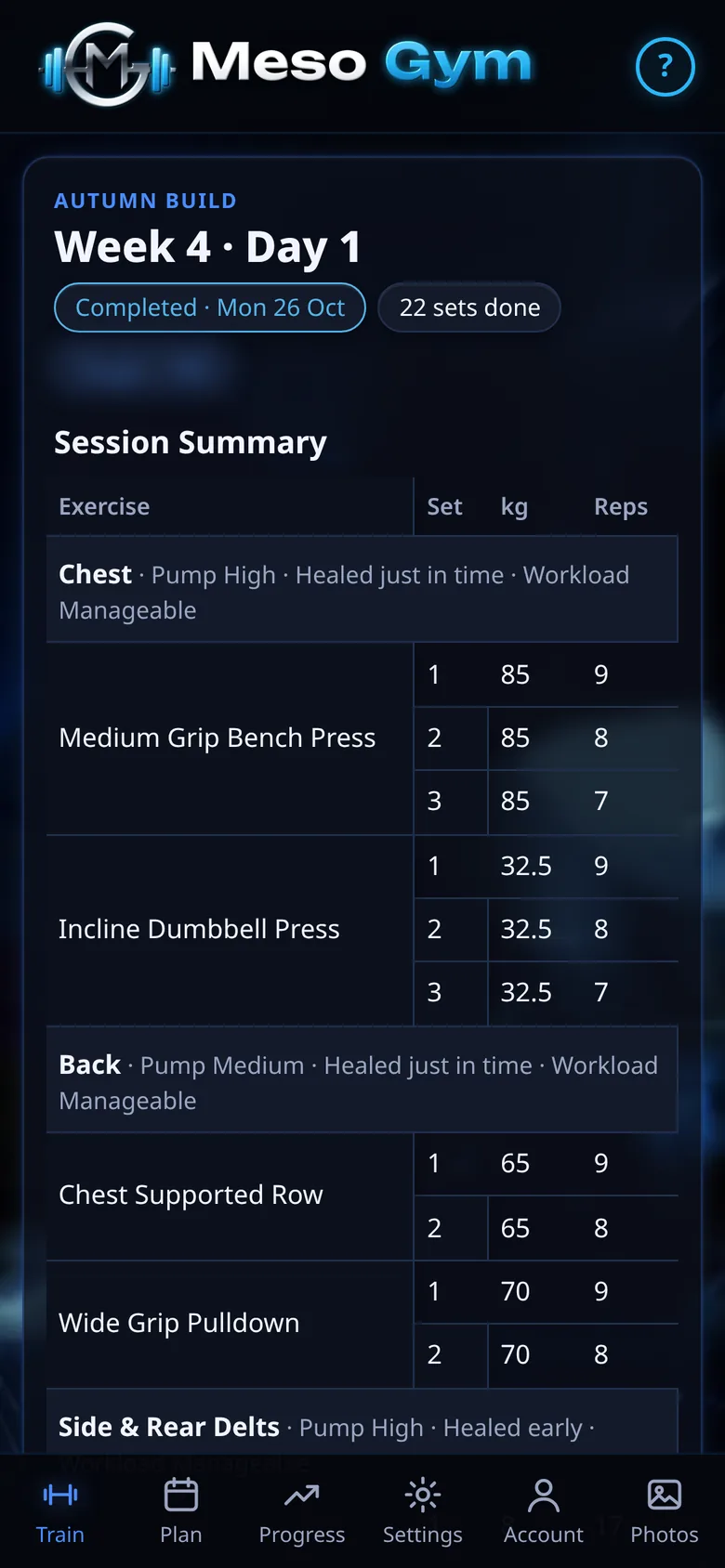
A Summary Of Every Session
A finished workout becomes a read-only Session Summary: every set you logged, your pump and workload feedback for each muscle, and any joint pain you flagged.
See It In Action
Try It Yourself
Build your plan and log your first two sessions free, then unlock everything with a 7-day Pro trial.