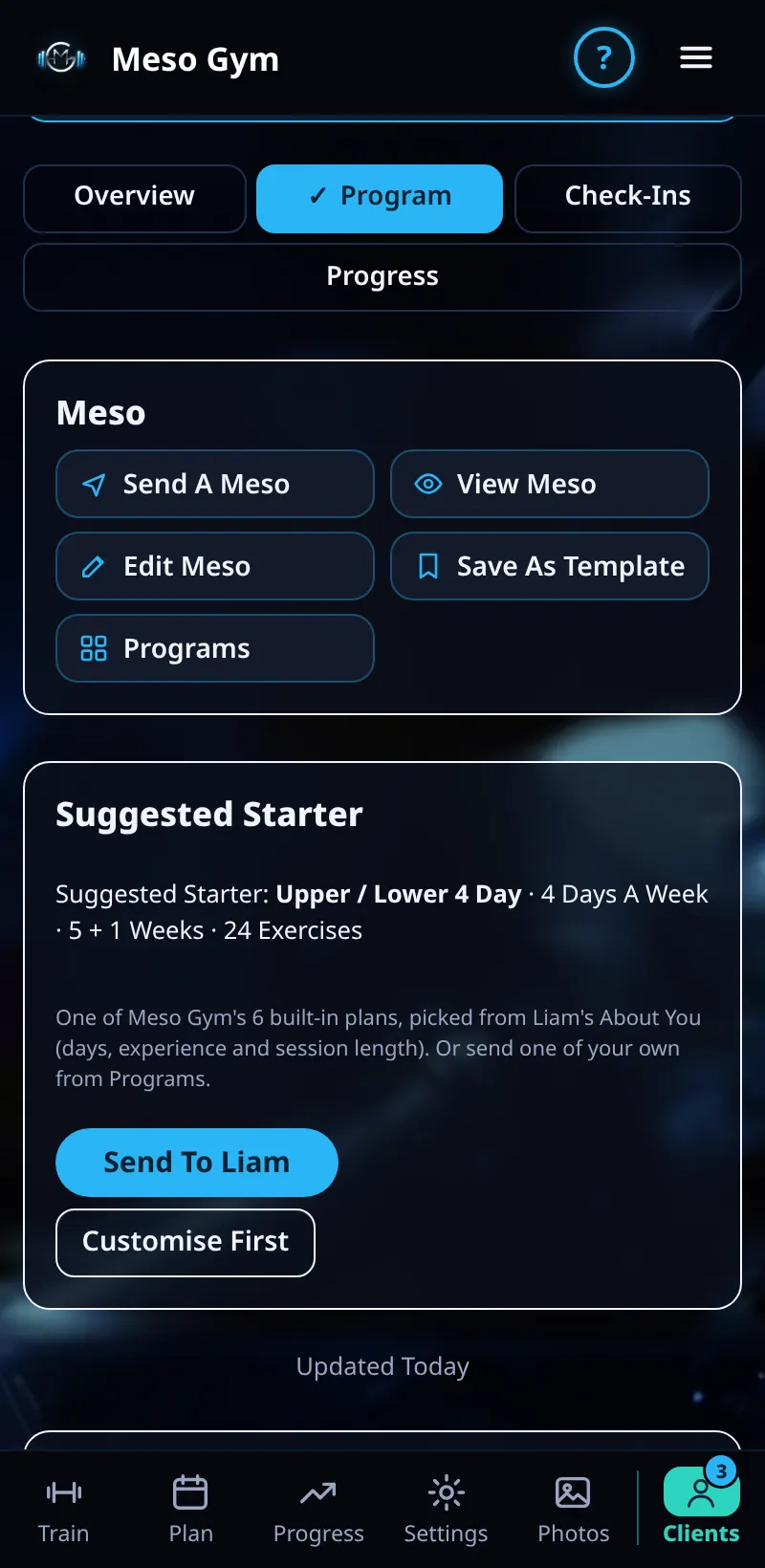
Editing A Client's Program
Change exercises, sets or days in a client's current meso, or answer their change requests.
Step By Step
- Open a client and tap the Program tab.
- Tap a day to see its exercises.
- Swap an exercise, add one or remove one. Each change asks Change This Day Only or Change Every Week Of This Meso.
- Changes wait in a list until you tap Send, so you can make several and send them together. Set Weight and notes are sent straight away.
- When a client asks for a change (Request Change), it shows here to accept or decline.
Good To Know
- Workouts the client has already logged never change.
- You can't remove the only exercise on a day.
How It Works
This Day Only changes one workout, for example swapping squats for leg press because the rack is busy that week. Every Week changes that day for the rest of the meso. On the client's side, upcoming days show small tags such as Swapped By Coach, Added By Coach, Removed By Coach or Coach Set, so they know what changed and why.
Common Questions
What happens to a coached client's own swaps?
A swap for today applies straight away and you're told. If they ask for the rest of the meso, it waits for you to accept or decline.
Is there a quicker way to edit?
Yes. Open A Client's App lets you edit from their own screens.
In the demo, saving program changes shows Available In Your Trial.