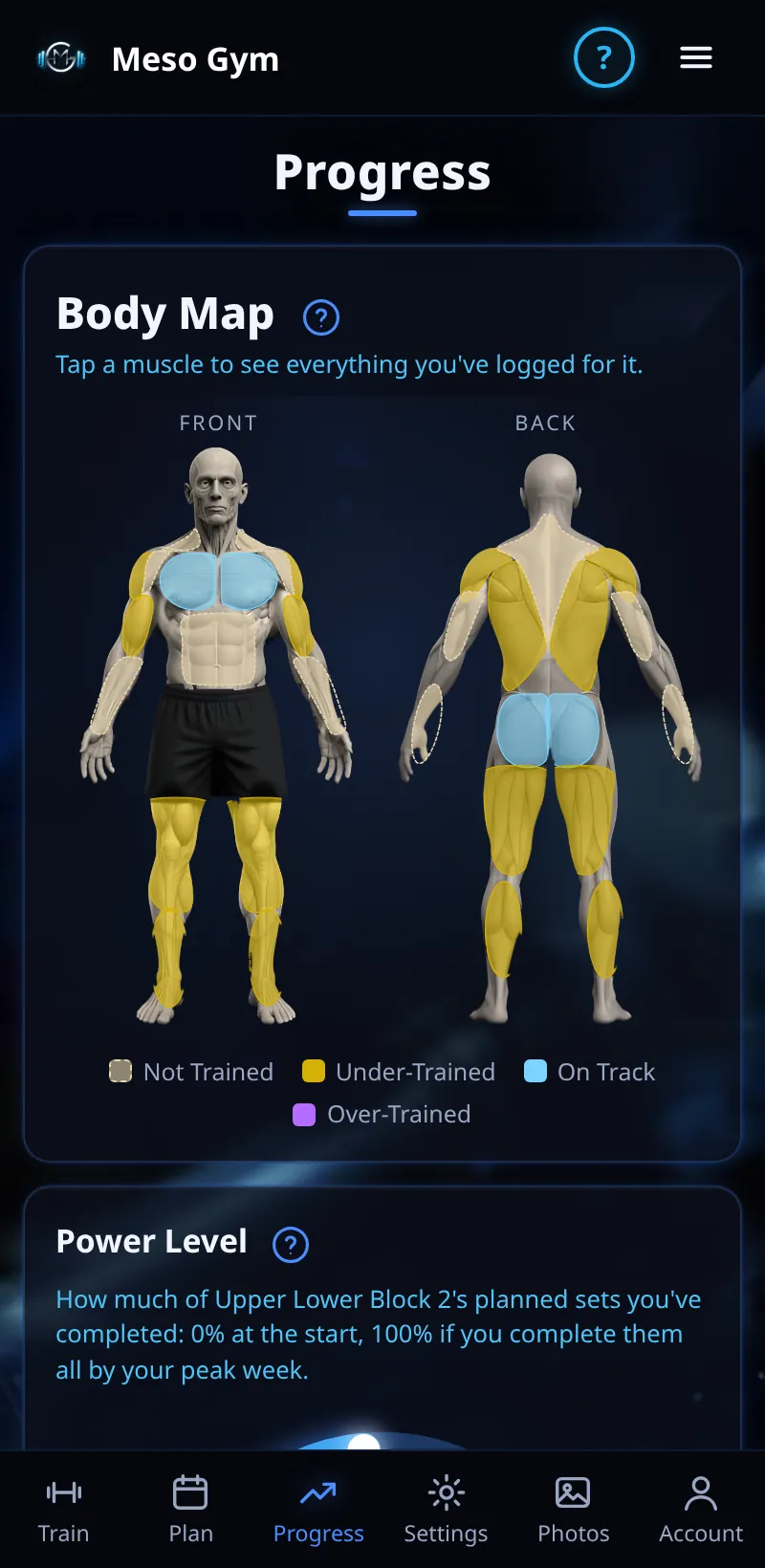
The Progress Tab
Strength per exercise, weekly sets per muscle, your Body Map and Power Level.
Step By Step
- Open the Progress tab.
- The Body Map shows which muscles you've trained. Tap a muscle to see what you've logged for it.
- Power Level shows how much of this meso's planned hard sets you've completed.
- Sessions per Exercise and Weekly Sets per Muscle show your sessions and planned against completed sets.
- Strength per Exercise plots your estimated 1RM and top-set weight. Tap Change to pick another exercise.
Good To Know
- Your Badge Shelf is on Progress too (see Badge Shelf).
How It Works
Estimated 1RM is worked out from the weight and reps of your best set, so sets with different reps can be compared. Power Level starts empty and is full at your last hard week if you do every planned set; extra sets, skipped sessions and the deload don't count. A faint marker shows your last meso's peak.
Common Questions
Why is my strength chart in kg?
It uses your active meso's unit and converts the rest.
Coached clients
Progress shows Strength, Body and Check-Ins, and your coach sees your strength too.