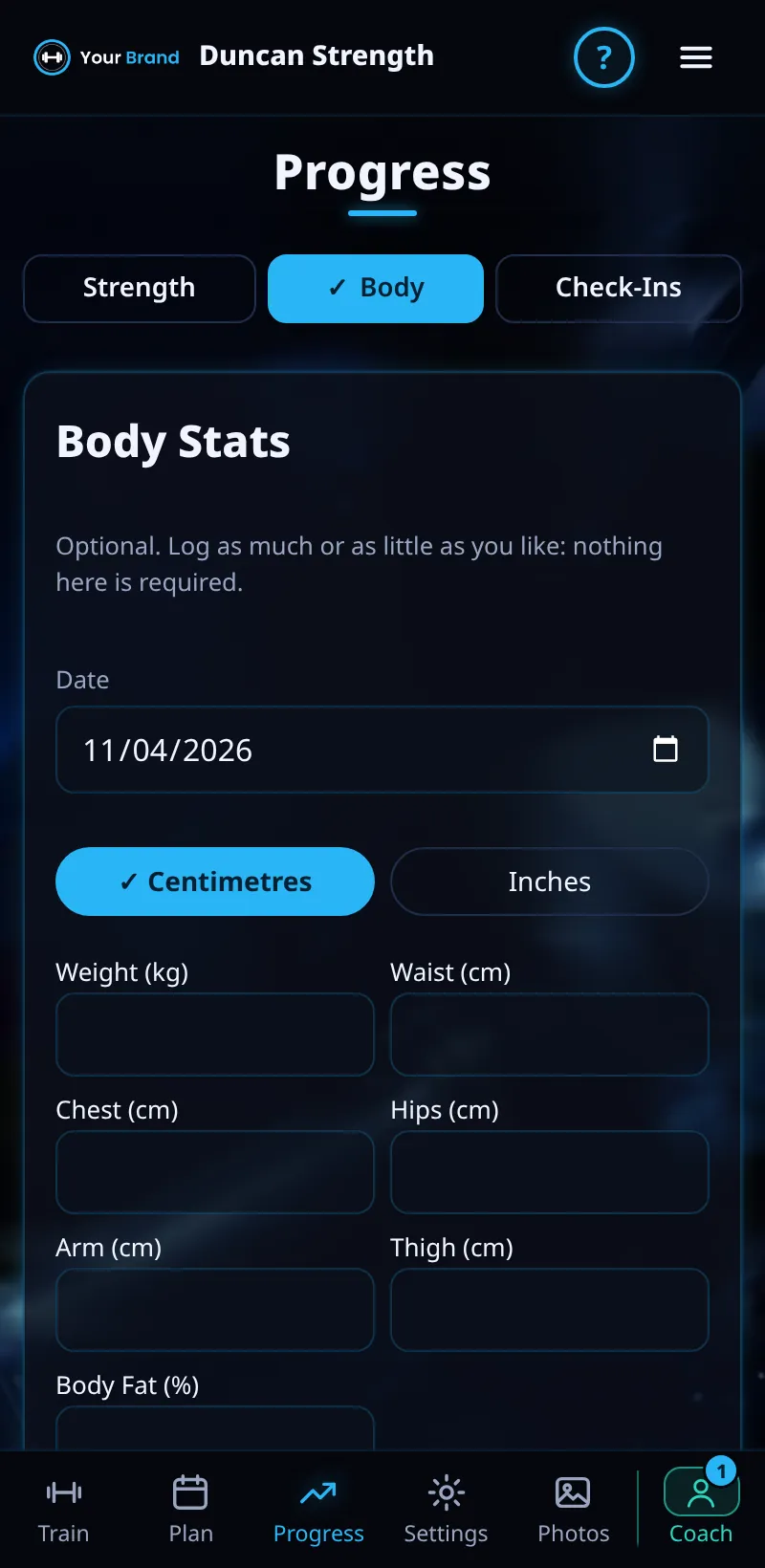
Body Stats
Log your weight and measurements and see the trend.
Step By Step
- Open Progress › Body.
- Choose Centimetres or Inches.
- Enter your weight and measurements such as waist, then tap Save.
- Switch between Weight and Waist to see each chart.
Good To Know
- Weigh in at the same time of day, ideally in the morning, for a fair trend.
How It Works
Body weight moves around day to day, so look at the trend over weeks rather than any single reading. Coached clients share their body stats with their coach, who sees them with each weekly check-in.
Waist and other measurements are a useful second view alongside weight: during a building phase your weight may rise while your waist stays steady, which is often a sign the extra weight is muscle. Log measurements every week or two under the same conditions, for example first thing in the morning.
Common Questions
Can I use kg and inches?
Yes. Weight follows your weight unit and measurements use the unit you pick here.
Is it required?
No. Body Stats is optional on Things To Do Today.
Clients get this in the app their coach invites them to. Coaches can see it the way a client does with See As Client in Demo PT.