Your Own Training
Your trainer plan includes Meso Gym Pro for your own training too.
Step By Step
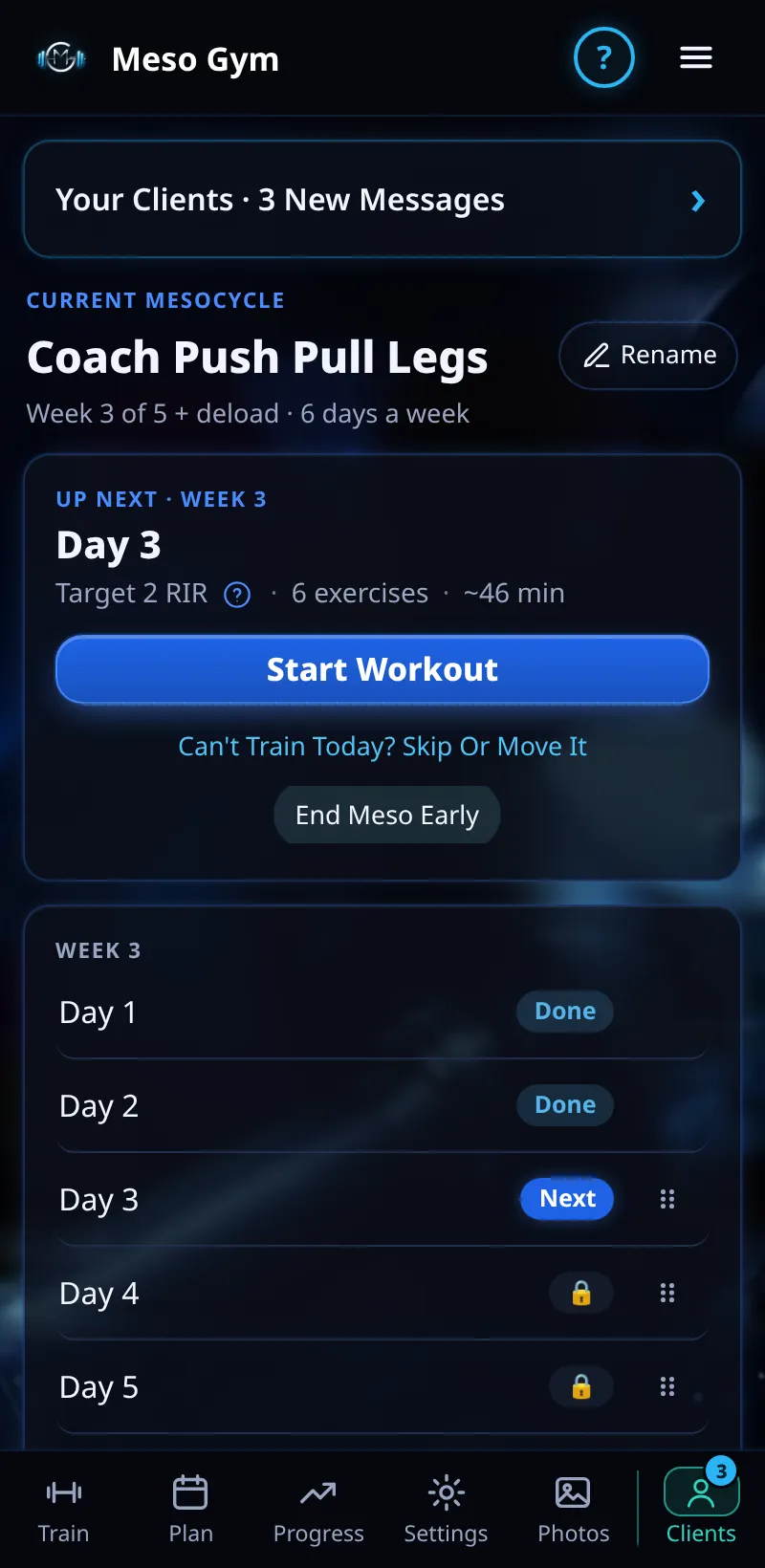
- Open the Train tab to see your own meso.
- Tap Start Workout to train, just like a client.
- Use Plan and Progress for your own mesos and strength, and Settings for your units and timer.
- Tap the Clients tab to go straight back to coaching.
Good To Know
- Gym owners and trainers find their own training under Settings › My Own Training.
How It Works
Training in the same app your clients use is the best way to know it inside out. Your own training is kept separate from your coaching: clients never see your workouts, and your training history stays yours if your plan changes.
Training in the same app as your clients also means you know every screen they see, which makes it far easier to answer questions about logging, feedback or check-ins.
Common Questions
Do I need a second account?
No. One account does both.
Does my training count as a client place?
No. Plans are you plus your clients.