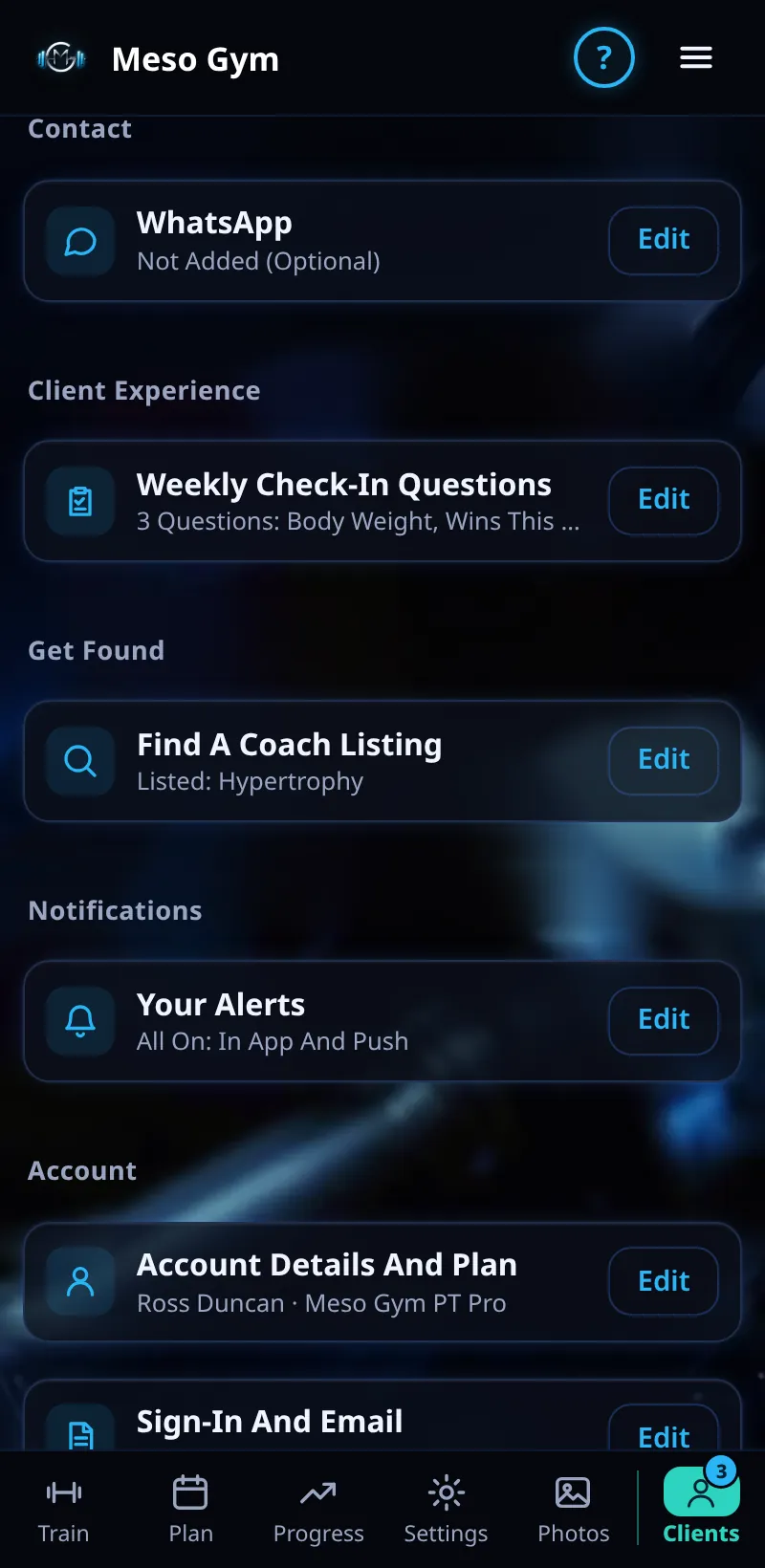
Profile And Find A Coach
Set up your coach profile and get found by lifters looking for a coach.
Step By Step
- Open the Account tab.
- Under Your Profile, add your Coach's Photo, and under Contact add WhatsApp if you want clients to reach you there.
- Under Get Found, tap Edit next to Find A Coach Listing.
- Pick your specialities and who you coach, write a short bio, then turn your listing on.
Good To Know
- When a client opens your photo in chat, they see your specialisms under your name.
How It Works
Find A Coach lets lifters already using Meso Gym look for a coach who fits them. A clear photo, a short bio and two or three specialities make your listing easy to choose. Requests arrive in Coaching Requests on the Clients tab.
Keep your listing short and specific: who you coach, what results you focus on and how you work. A clear photo and a sentence about your experience help people pick the right coach.
Common Questions
Can I hide my listing?
Yes. Turn it off at any time; your existing clients aren't affected.
Is WhatsApp required?
No. It's optional.
In the demo, saving your profile shows Available In Your Trial.