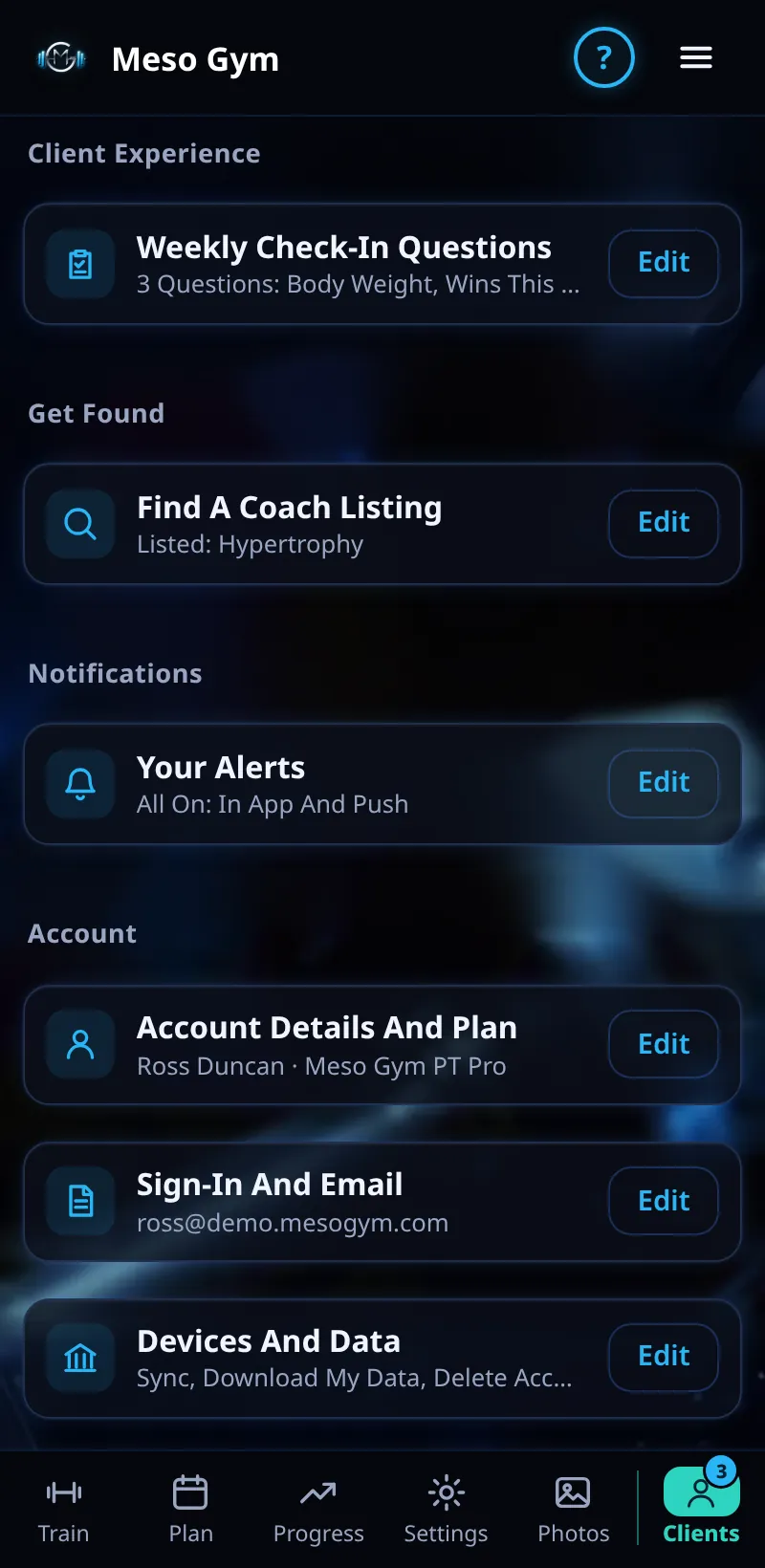
Weekly Check-In Questions
Choose the questions your clients answer in their weekly check-in.
Step By Step
- Open the Account tab.
- Under Client Experience, tap Edit next to Weekly Check-In Questions.
- Add, edit or remove questions. Each can be a 1 to 5 score or a written answer.
- Save. Clients see your questions in their next check-in.
Good To Know
- Body Weight is asked in the client's own unit, kg or lb, and shown to you in that unit.
- Keep it short: three or four questions get better answers than ten.
How It Works
The default set covers body weight, wins this week and anything your coach should know. Meso Gym is a hypertrophy app, so lifestyle questions such as sleep and stress aren't asked by default; add your own if you want them.
Common Questions
Do old check-ins change when I edit questions?
No. Past answers are kept as they were.
When are check-ins due?
Once a week. It shows on the client's Things To Do Today.
In the demo, saving questions shows Available In Your Trial.