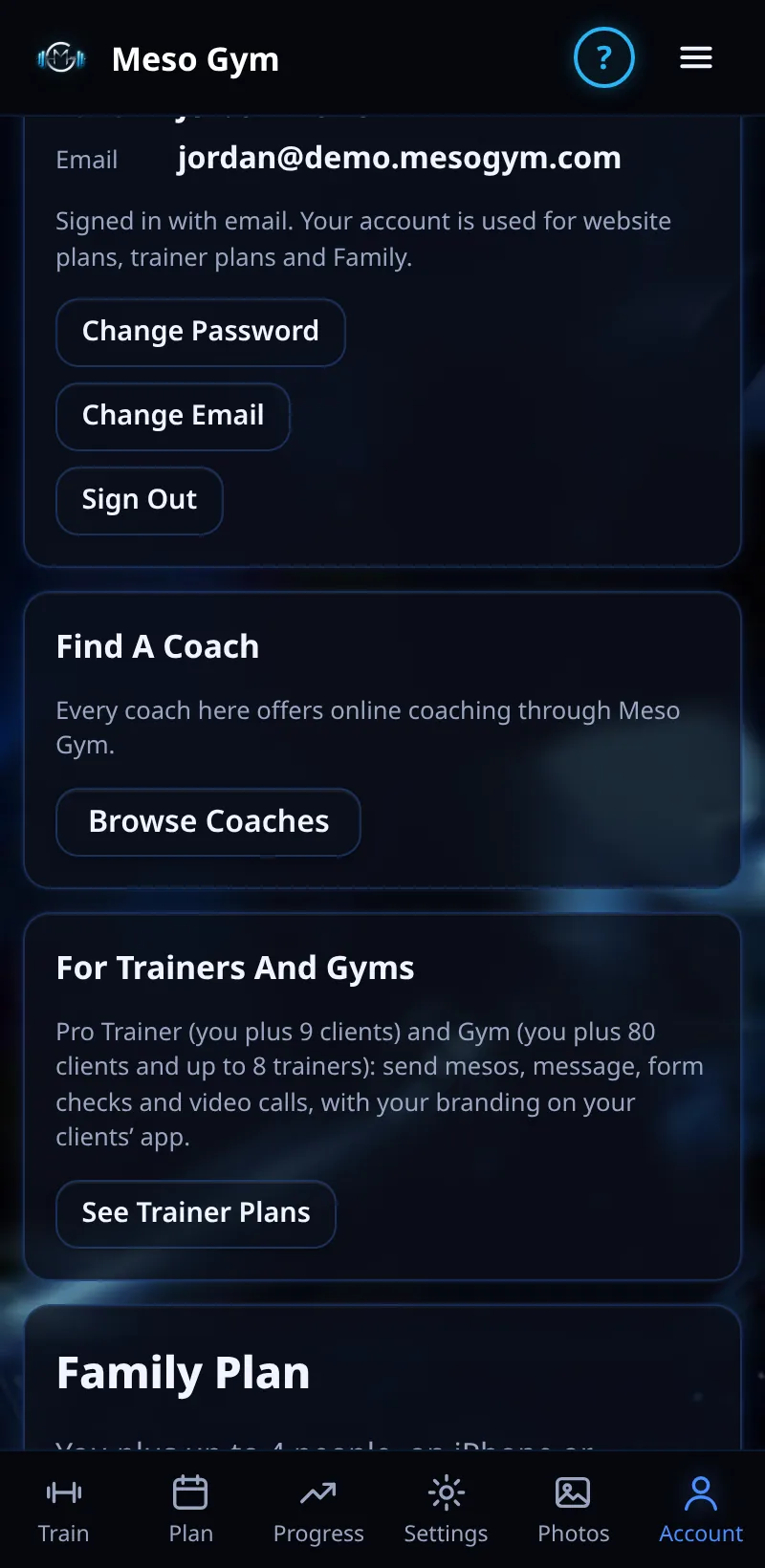
Change Email And Download Your Data
Change the email you sign in with, or download a copy of your data.
Step By Step
- Open Account › Your Account (coaches: Account › Sign-In And Email) and tap Change Email.
- Enter your New Email and Current Password, then tap Send Link.
- Open the link in the email to your new address within 24 hours, on any device. You'll see Email Changed.
- To get your data, tap Download My Data.
Good To Know
- Until you open the link, keep signing in with your old email. Your old address gets a notice.
- Download My Data is free for everyone, Pro or not.
How It Works
The download is one file with your account, training, and any coaching or payments on this account. Change Email is for email-and-password accounts; if you sign in with Google or Apple, use Switch To Email Sign-In first. If the link has run out you'll see Link Expired, and an address already in use shows Email Already Used.
Common Questions
The link expired.
Start again from Change Email to get a new link.
Does changing email affect my training?
No. Everything stays in your account.