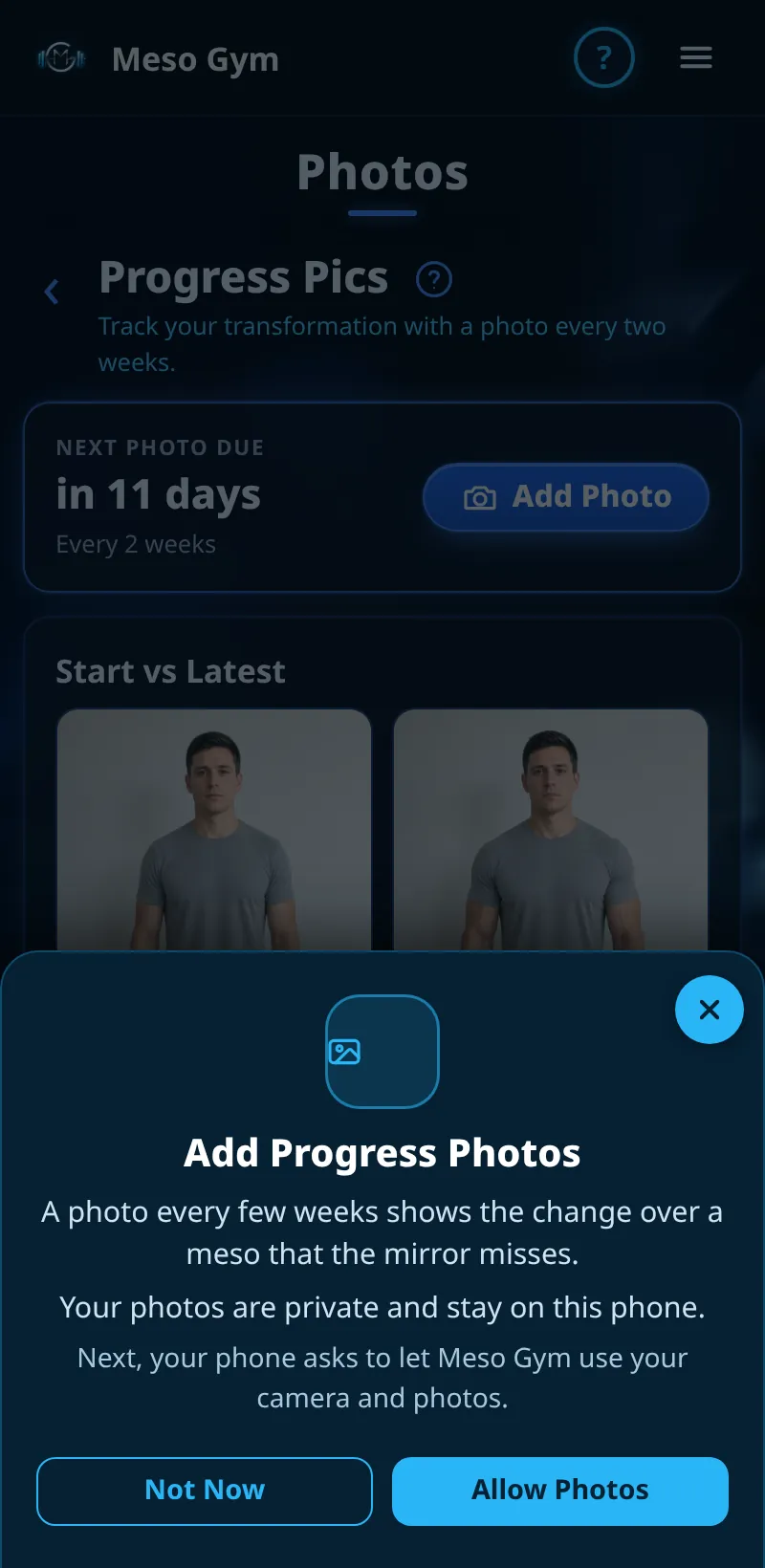
Camera, Photos And Notifications
Meso Gym only asks for a permission when you need it, and explains why first.
Step By Step
- Tap something that needs a permission, for example Add Photo or turning on notifications.
- A short explainer says why, for example Add Progress Photos or Turn On Notifications.
- Tap Allow Photos (or Turn On Notifications) and your phone asks for permission.
- Or tap Not Now. The explainer shows again next time.
Good To Know
- You're never asked on first launch.
- If you've already allowed it, there's no explainer.
How It Works
Progress photos are private. Coached, only you and your coach can see them; training on your own, they stay on this phone. If you've turned a permission off, the explainer tells you how to turn it on in your phone's Settings. Allowing is remembered for each person and each permission.
Common Questions
I tapped Don't Allow by mistake.
Open your phone's Settings, find Meso Gym and turn the permission on.
Do I need notifications?
No, but they tell you about coach messages and when rest is over.