Payments And Receipts
Your payments and receipts in one place.
Step By Step
- Open Account › Payments & Receipts.
- Each row shows the date, plan name and amount.
- For a website plan, tap Download Receipt to open the Stripe invoice.
- For an App Store or Google Play purchase, tap Open App Store or Open Google Play to manage it there.
- If you have a coach, a Payments To Your Coach section lists those payments too.
Good To Know
- Family members on someone else's Family plan see a note that the organiser holds the receipts.
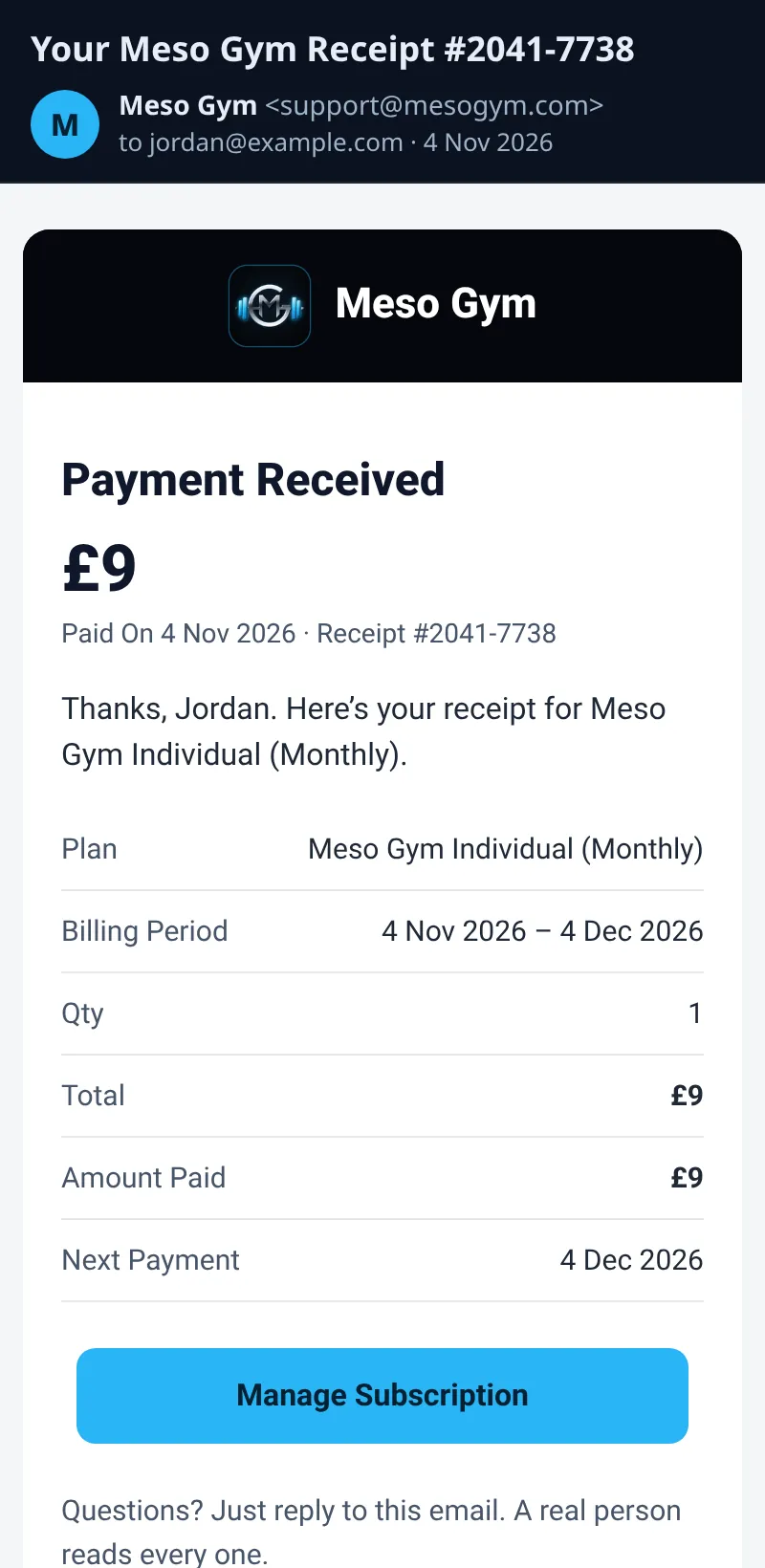
- You still get a website-plan receipt email when a payment goes through.
How It Works
Website Individual, Family and trainer plans are billed by Meso Gym through Stripe, so Download Receipt opens that invoice. Store purchases are billed by Apple or Google, so Meso Gym cannot show a PDF for those — use the store link instead. Coaching payments only appear when you are coached; their receipts come from your coach's Stripe account (see Paying Your Coach).
Each row on Payments & Receipts lists what you paid for and when, so it's easy to match against your bank statement. Website plans also email a receipt each time a payment goes through.
Common Questions
I didn't get a website receipt email.
Check spam, then send a message from the Contact page at mesogym.com/contact.html.
Where are coaching receipts?
Only if you have a coach: in Payments To Your Coach, and in the receipt email from your coach's Stripe. See Paying Your Coach.