Usernames
Pick a username and sign in with it instead of your email.
Step By Step
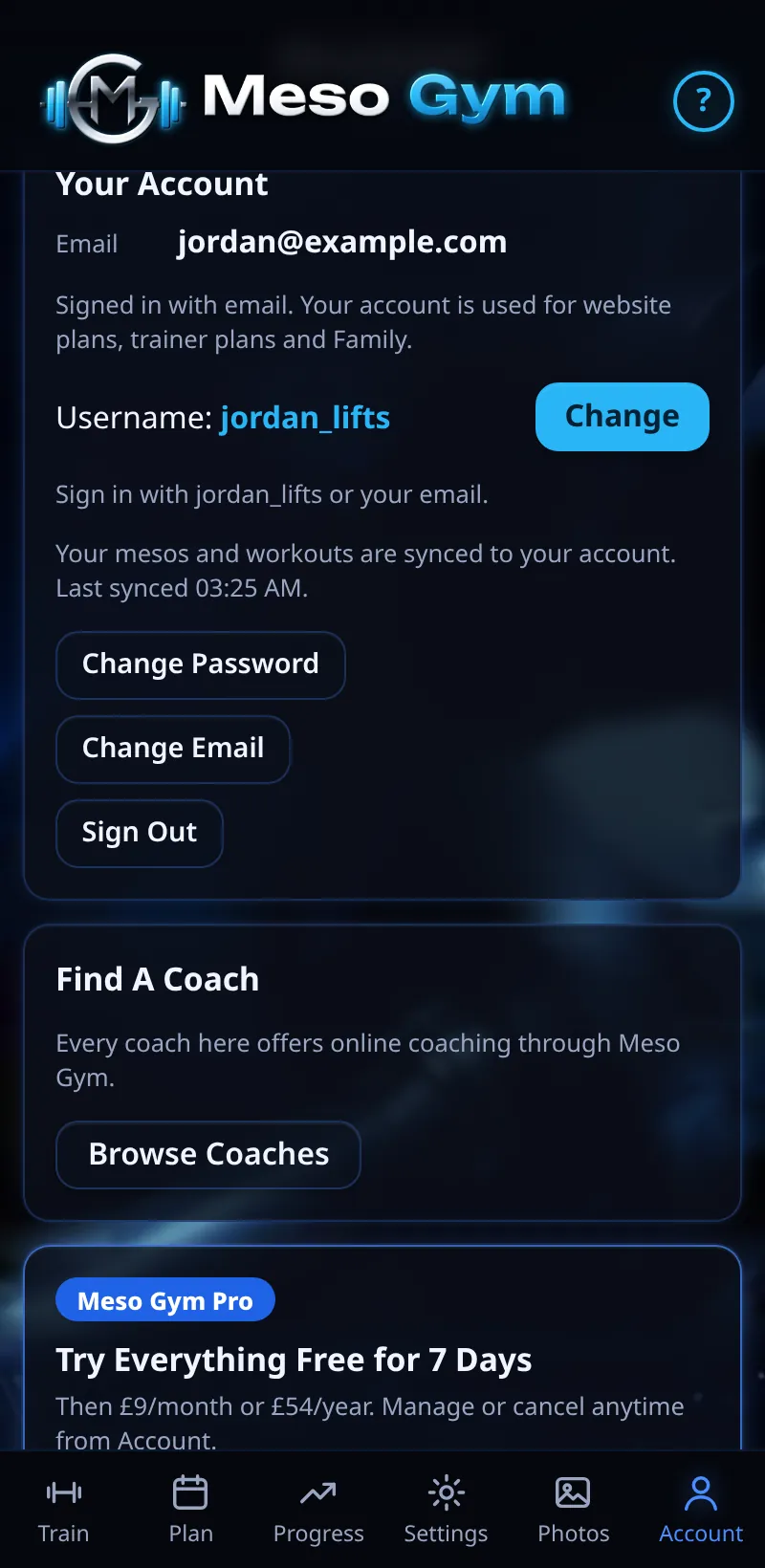
- Open Settings › Account (coaches: the Account tab) and find your username. Tap Choose A Username, or Change.
- Type 3 to 20 characters: letters, numbers and underscores only.
- Tap Save Username.
- On Sign In and Forgot Password, type your Email or Username.
Good To Know
- You can change your username once every 30 days. If you were given a username automatically, your first change is free.
How It Works
A username is quicker to type on a phone than a long email address. Your email still works for signing in.
Usernames are checked as you type, so you'll know straight away whether one is free and allowed. Once saved, your username shows in your account details, and you can sign in with either it or your email on any device.
Common Questions
My username is taken.
Try another: each username is unique.
Can I use spaces or full stops?
No. Letters, numbers and underscores only.