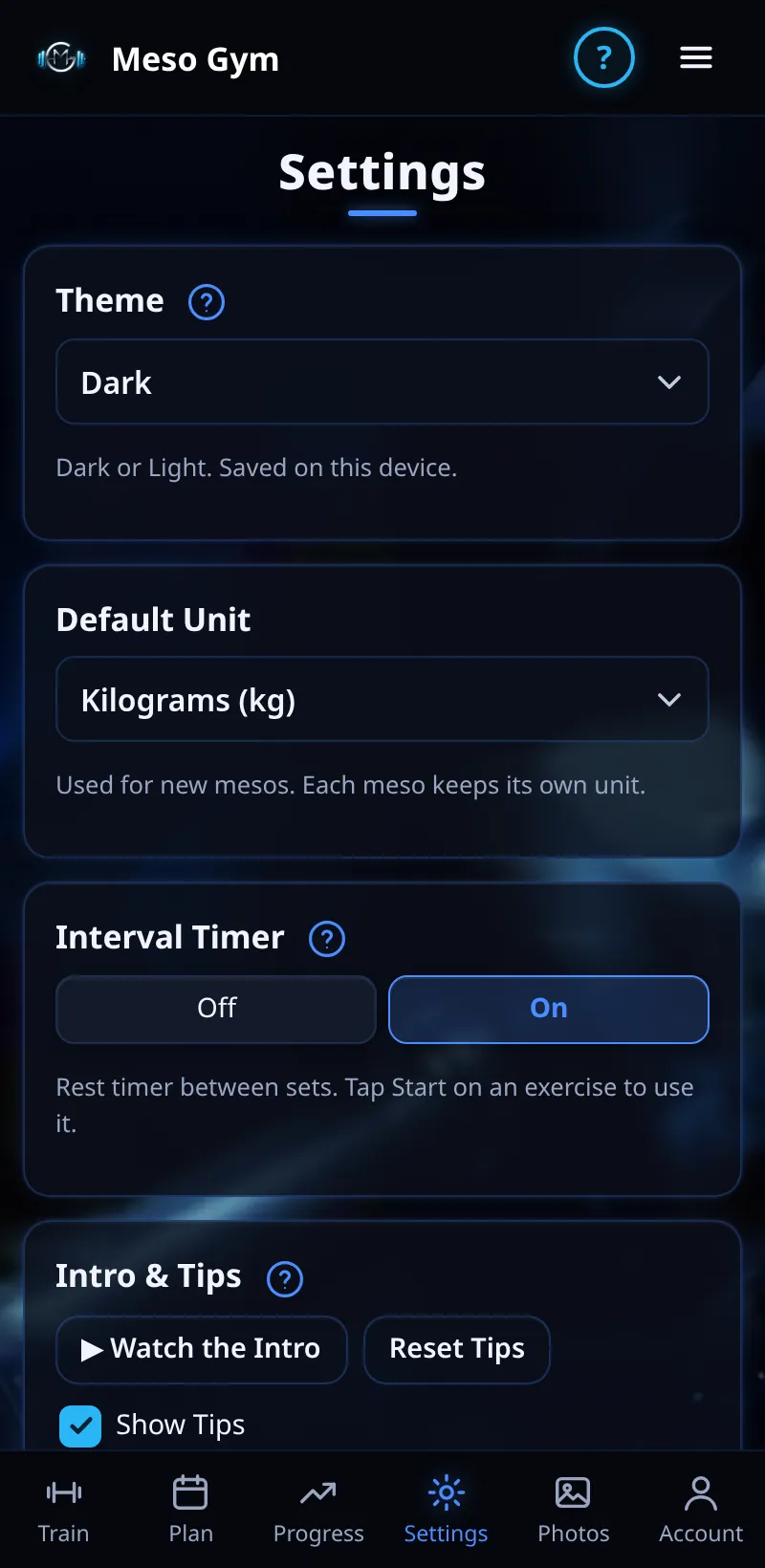
Settings And Backup
Theme, units, timer, tips, custom exercises, volume landmarks and backups.
Step By Step
- Open the Settings tab.
- Choose your theme (Dark or Light) and default unit (kg or lb).
- Turn the Interval Timer on or off, and replay the intro or reset tips.
- Add custom exercises and set your volume landmarks.
- Under Backup, tap Export Meso Gym to save a backup file, or Import Meso Gym to restore one.
Good To Know
- Each meso keeps its own unit.
- Import From RP brings mesos and logged sets across from an RP Hypertrophy app export.
How It Works
Volume Landmarks are the weekly set targets for each muscle, from Maintain to Max. Changes apply to mesos you create from now on, and Reset To Defaults puts the research-based values back. Signed in, your training syncs to your account; backups are an extra copy you control.
Common Questions
Who can export?
Anyone, including during the 7-day Pro trial. Importing needs a paid Pro plan or Family membership.
Are photos in the backup?
No. Progress photos stay on your phone.
In the demo, exporting backups shows Available In Your Trial.