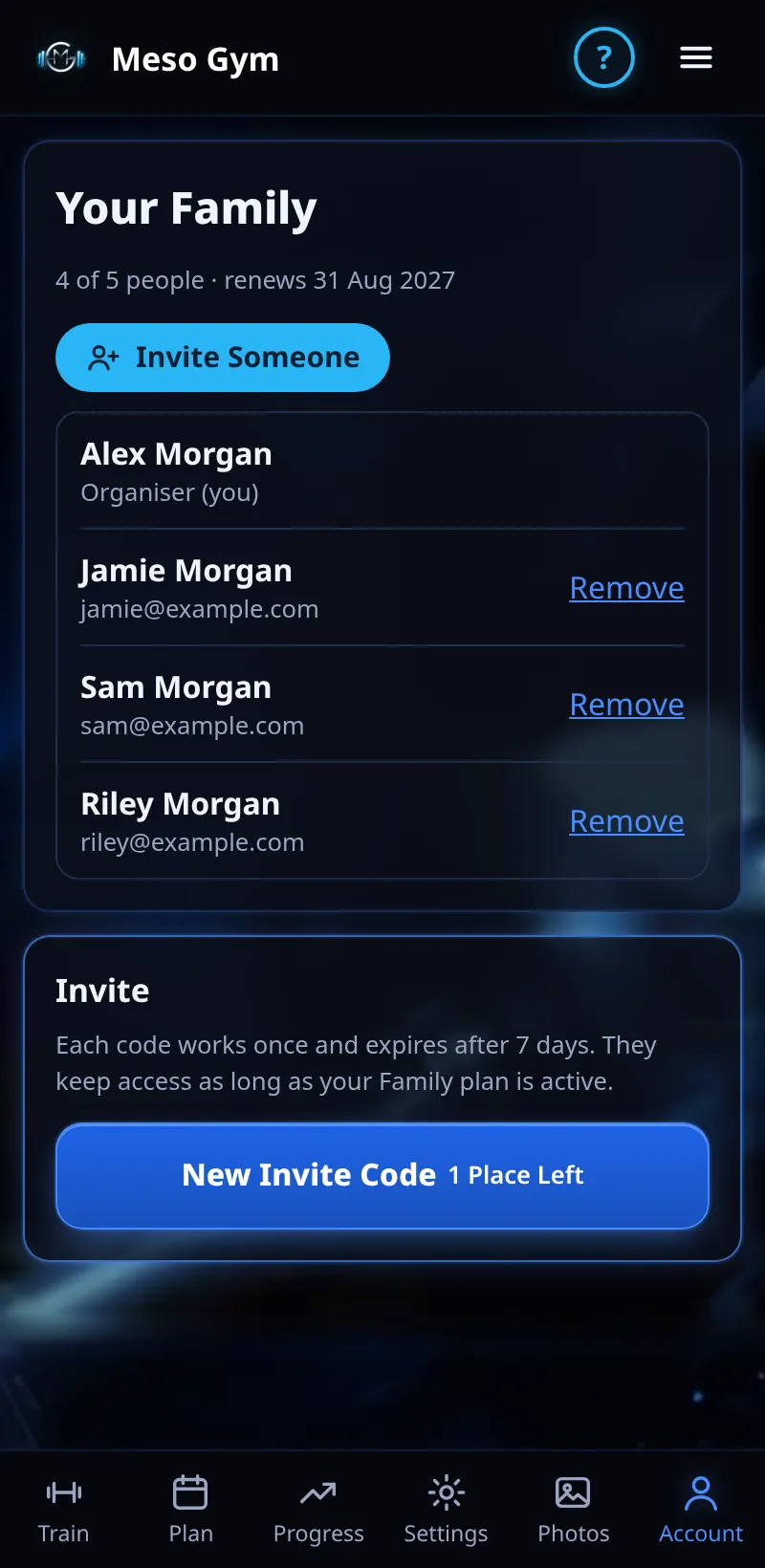
Family Plan
One plan for up to 5 people: you plus 4 invited by code. Everyone trains on their own account.
Step By Step
- Open Account › Family.
- Tap New Invite Code to make a code for each person.
- They sign in on their own phone and enter it under I Have An Invite Code.
- Remove a member any time to free their place.
Good To Know
- Each code works once and must be used within 7 days.
- Family members can message and video call each other (see Family Chat And Video Calls).
How It Works
Everyone signs in on their own device, and each person's training stays in their own account, so the plan is shared but the workouts are not. You can see who has joined and which codes are still waiting on the Family page.
Common Questions
Does leaving a coach take me off the Family plan?
No. Your coach link and your Family membership are separate.
How many codes can I make?
One for each free place: up to 4 people as well as you.
In the demo, family invite codes shows Available In Your Trial.