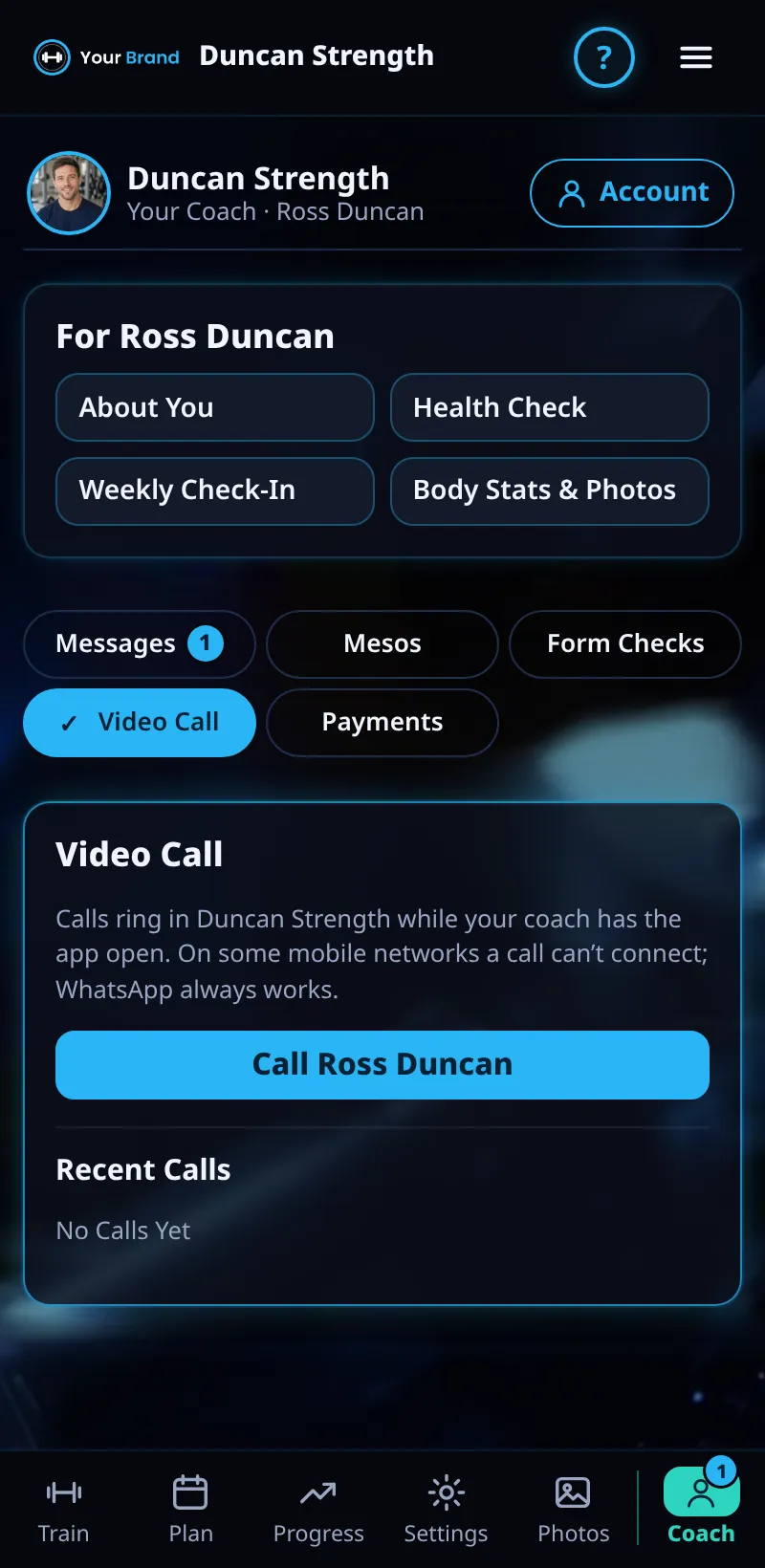
Video Calls With Your Coach
Join a video call with your coach from the app.
Step By Step
- When your coach calls, you get a notification. Tap it to join.
- You can also start a call from the Coach tab: tap Video Call.
- Allow your camera and microphone the first time.
- When you're done, end the call. A line in your chat shows how it went, such as Video Call · 4 min or Missed Call.
Good To Know
- Prop your phone up so your coach can see the whole lift during a form review.
How It Works
Calls run inside Meso Gym, so there's no meeting link or phone number to swap. They're handy for a quick catch-up, going through a new meso together, or a live look at your technique.
Common Questions
I missed a call.
Your chat shows Missed Call. Message your coach or call back from the Coach tab.
Does it work on the web?
Yes, in the web app as well as on iPhone and Android.
In the demo, video calls shows Available In Your Trial.
Clients get this in the app their coach invites them to. Coaches can see it the way a client does with See As Client in Demo PT.