Paying Your Coach
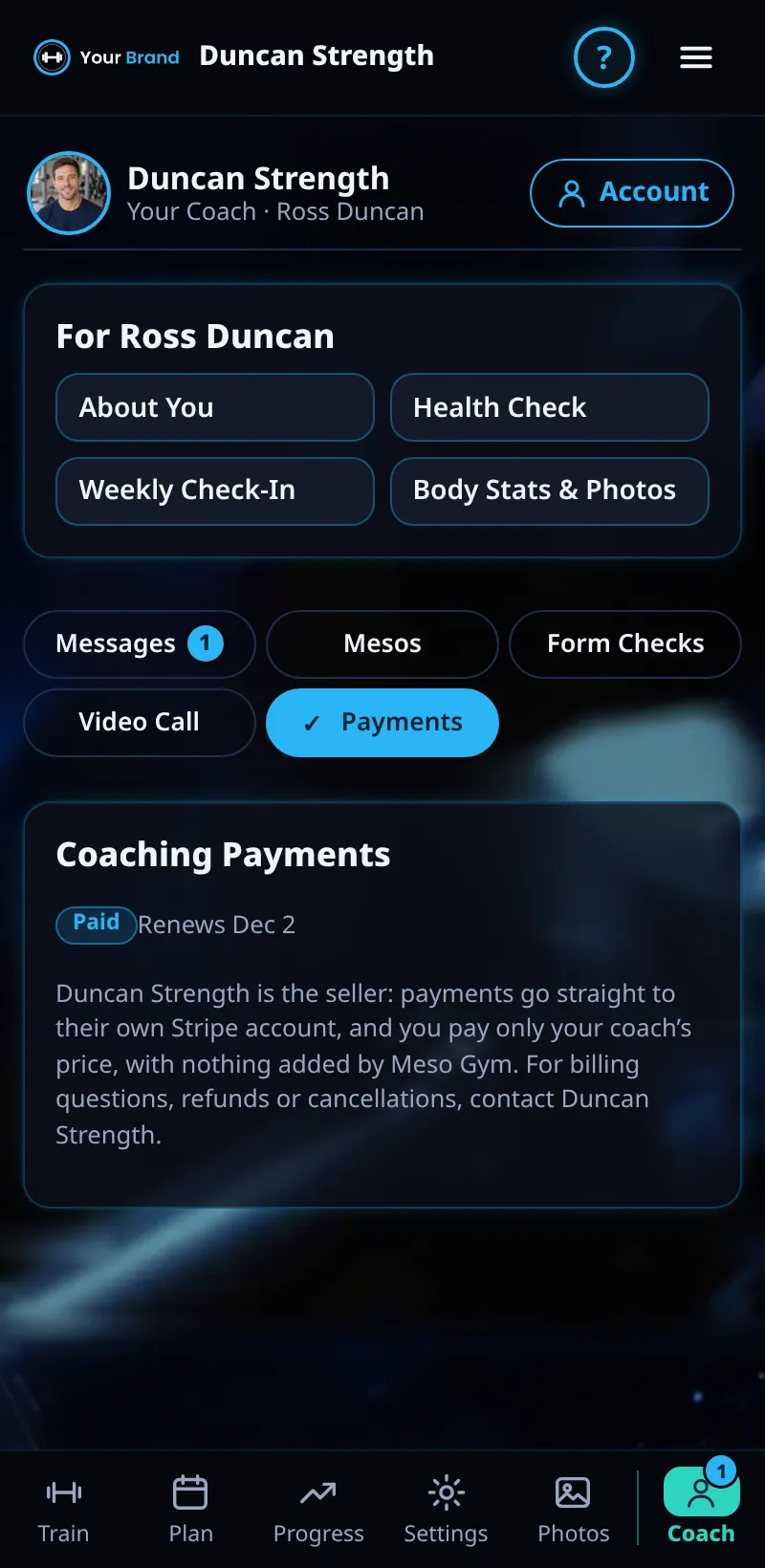
Pay your coach by card in the app, and see what you've paid.
Step By Step
- Open the Coach tab and tap Payments.
- Coaching Payments shows your tier, your price and when the next payment is due.
- When your coach requests a payment, tap Pay and check out securely with Stripe.
- Agree to your coach's terms the first time you pay.
Good To Know
- Your money goes to your coach's own Stripe account. Receipts for coaching come from your coach's Stripe account.
How It Works
Payments are taken by Stripe, so your card details never go to Meso Gym or your coach. If your coach refunds you, you get an email from them with the amount and what happens to your coaching; banks usually take 5–10 days.
Common Questions
How do I stop paying?
Talk to your coach. They can stop future payments for you.
My payment failed.
Check your card details and try again; your coach is told so they can help.
In the demo, payments shows Available In Your Trial.
Clients get this in the app their coach invites them to. Coaches can see it the way a client does with See As Client in Demo PT.