A Client's Progress
See a client's strength, weekly sets per muscle and personal bests.
Step By Step
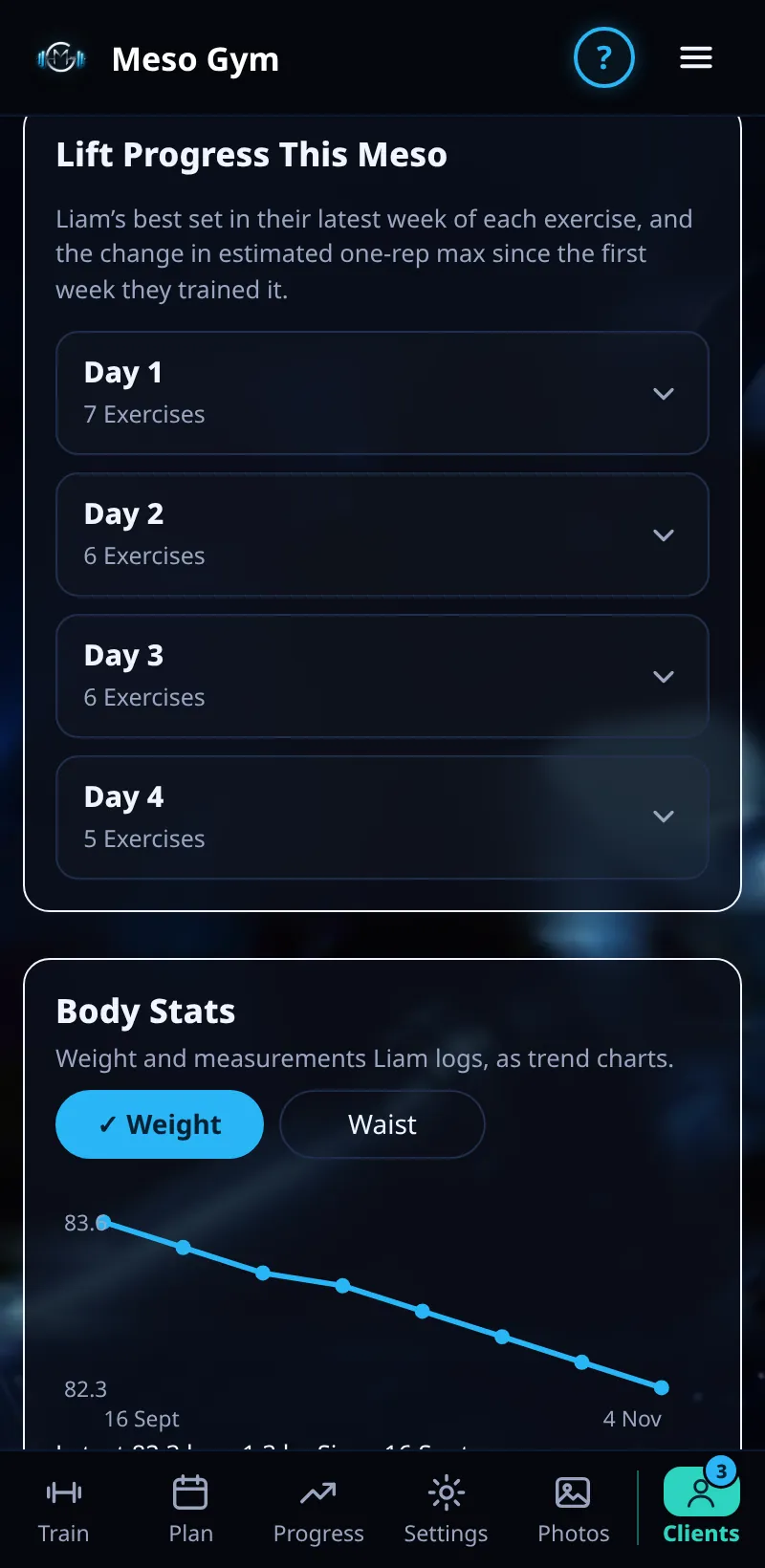
- Open a client and tap the Progress tab.
- Pick an exercise to see its strength over time: estimated 1RM and top-set weight.
- Weekly sets per muscle show how their volume builds through the meso, planned against completed.
- Personal bests are highlighted.
- Body stats and check-in answers are on the same client page, so you can compare training with body weight.
Good To Know
- New PBs also show under Needs Attention, and you can get a push alert for them (see Coach Alerts).
- Estimated 1RM lets you compare sets done with different reps.
How It Works
Estimated 1RM is worked out from the weight and reps of the client's best set, so a set of 10 and a set of 6 can be compared fairly. Myorep sets are left out of strength numbers, and only the first, heaviest part of a drop set counts. Weekly sets per muscle shows whether the client is actually doing the volume you planned.
Common Questions
Why is a lift missing?
Only exercises the client has logged appear in the list.
Does it update live?
It updates when the client's app syncs, usually when they finish a workout.