Video Calls
Call a client from inside the app for a quick catch-up or a form review.
Step By Step
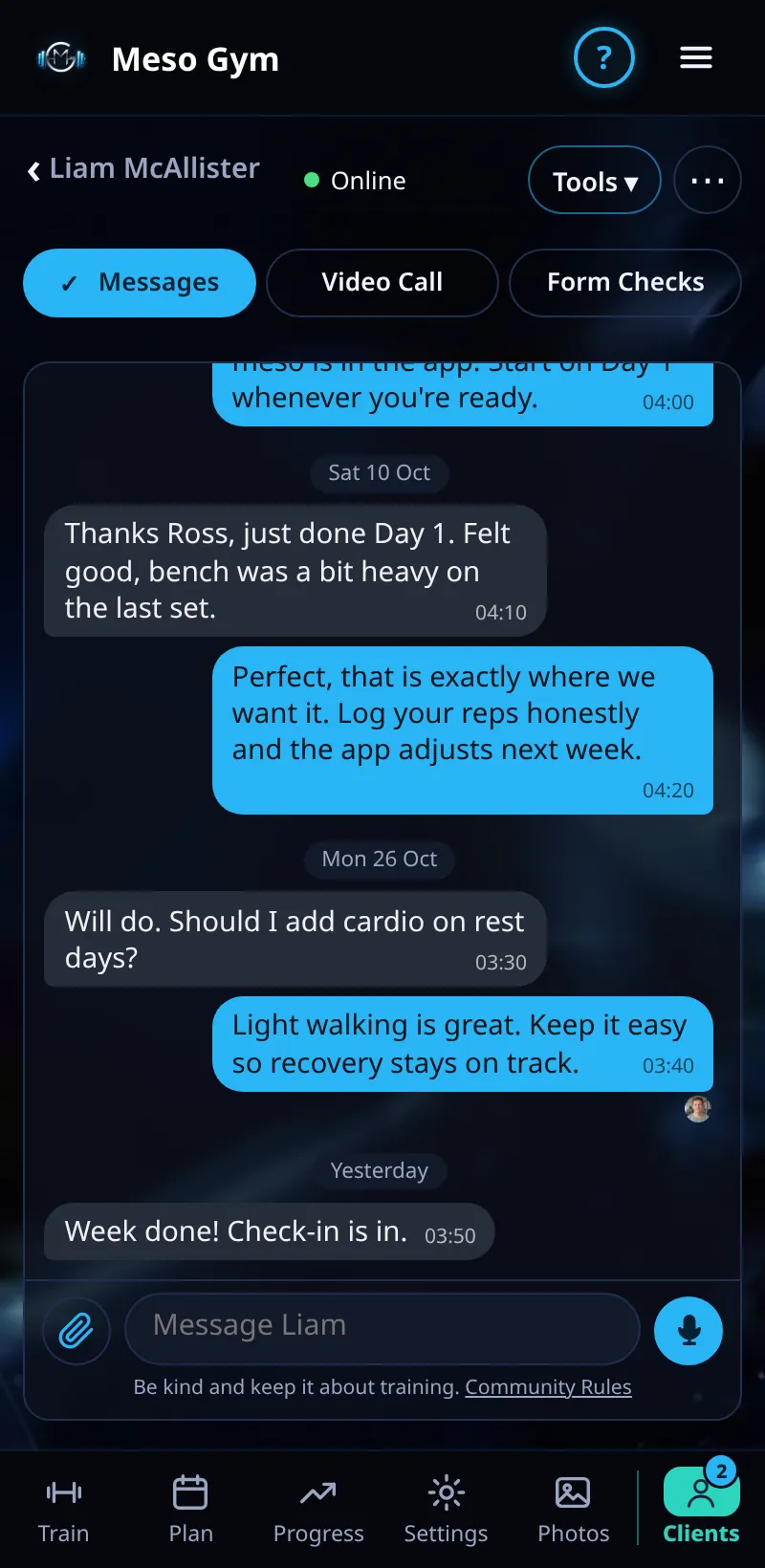
- Open a client, or their chat.
- Tap Video Call.
- The client gets a call notification and joins from their phone.
- Recent calls are listed so you can see when you last spoke.
- A call the client missed shows under Needs Attention as Missed Calls.
Good To Know
- The chat shows a line when a call is started, so you both have a record.
How It Works
Video calls run inside Meso Gym, so there's no separate meeting link to send and no phone number to share. They work well for a quick form review: ask the client to prop their phone up and do a warm-up set while you watch, then follow up in Messages with the key points.
Common Questions
What does the client need?
The Meso Gym app or web app open, with camera and microphone allowed.
Can a client call me?
Yes. Clients can start a call from their Coach tab too.
In the demo, video calls shows Available In Your Trial.