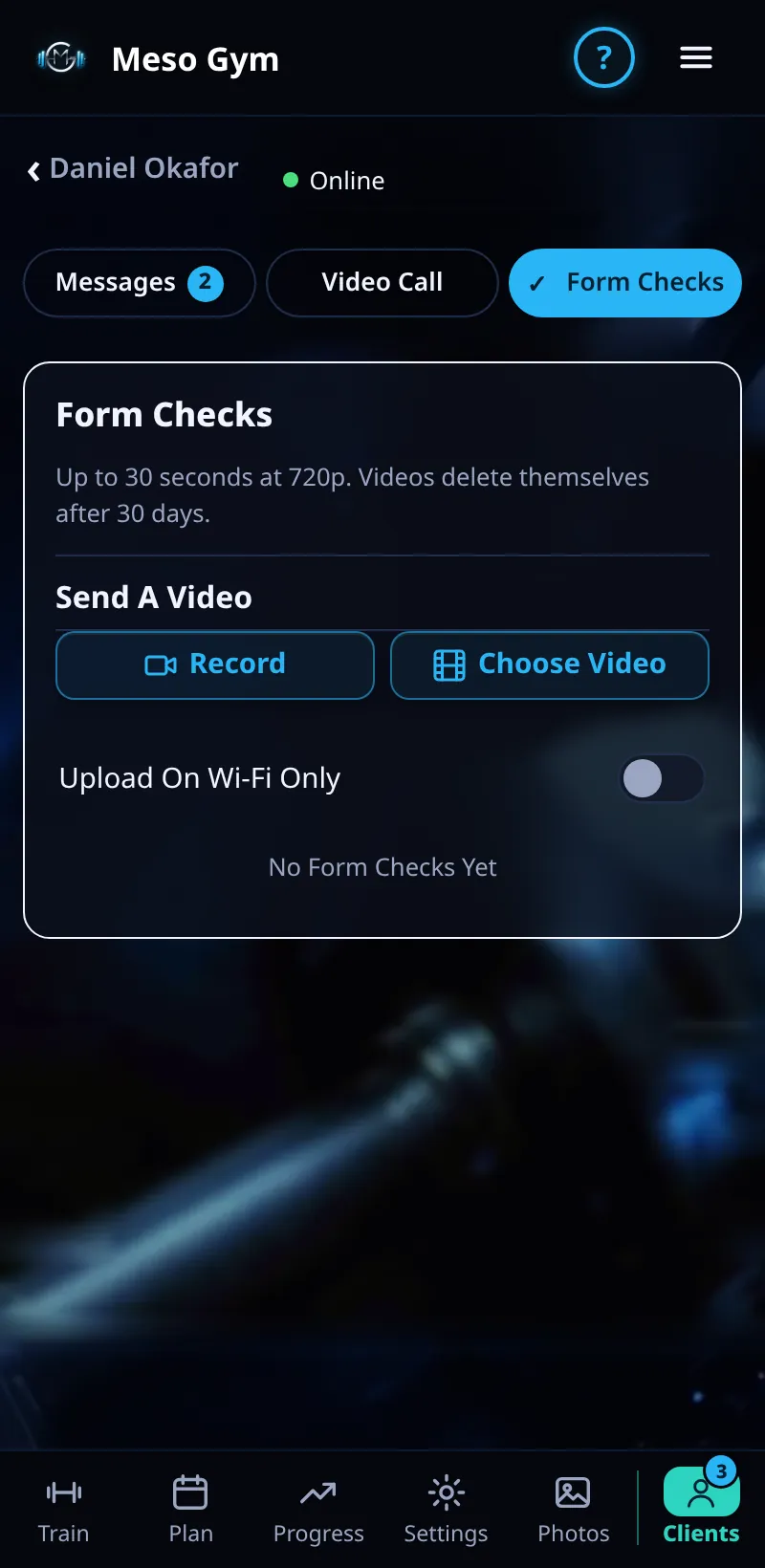
Form Checks
Clients send a short video of a lift. You watch it and reply with feedback.
Step By Step
- Open a client and tap Form Checks.
- New videos are listed first.
- Tap a video to watch it.
- Tap Reply To This Form Check and write your feedback. It appears in the client's chat, linked to the video.
Good To Know
- Videos you haven't watched yet are counted in Needs Attention under Form Checks.
How It Works
Form checks keep technique feedback attached to the lift it's about. Because your reply links back to the video, the client can rewatch it next to your notes before their next session, and you can see the whole history of form checks for that client in one list.
Common Questions
How long can a video be?
Short clips work best: one or two reps from the side is usually enough.
Can I reply with a voice note?
Yes. Reply in Messages and record a voice note.
In the demo, uploading and replying to videos shows Available In Your Trial.