Refunds
Refund a client's payment in full or in part, and choose what happens to their coaching.
Step By Step
- Open the client from the Clients tab.
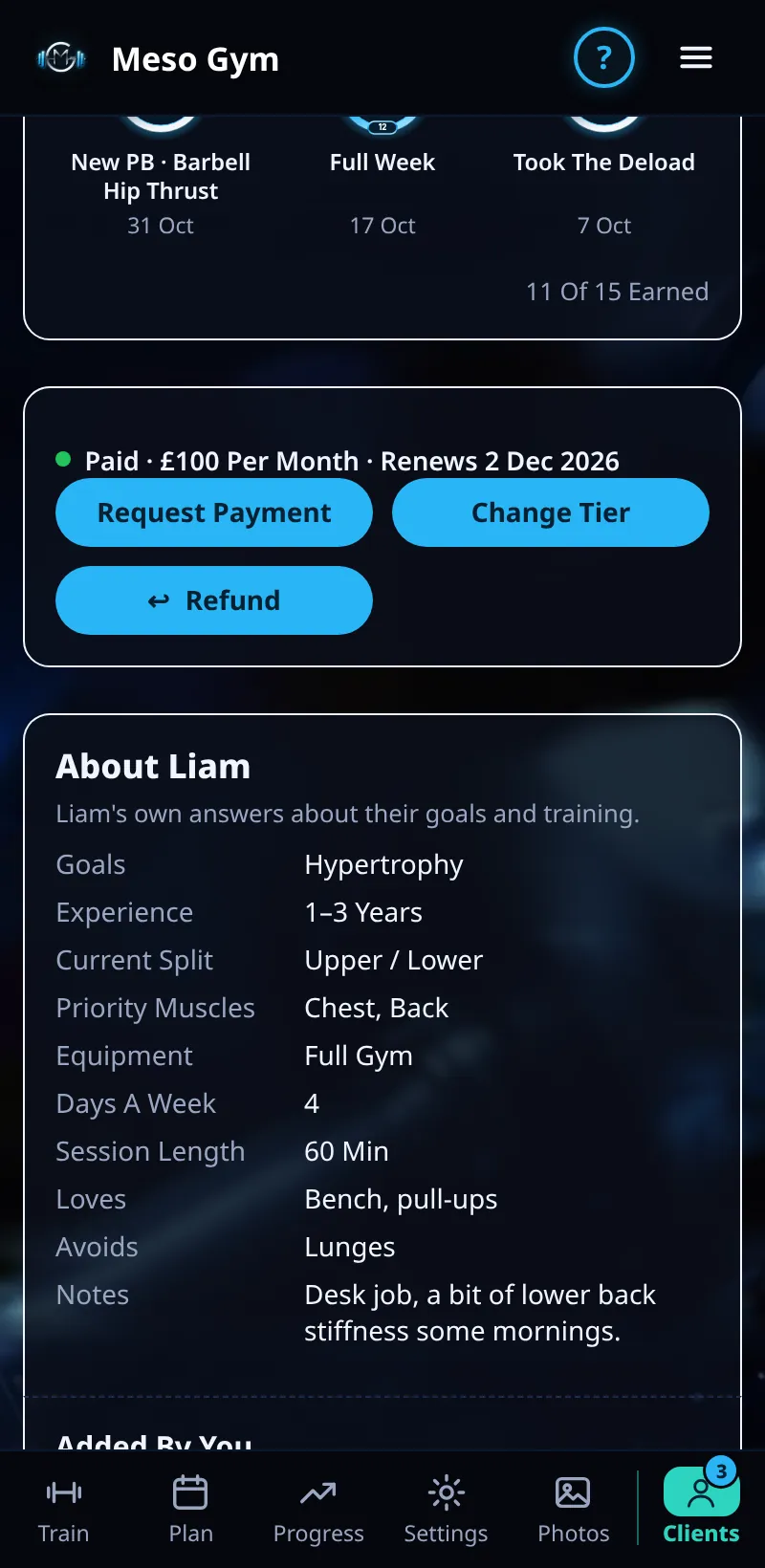
- In their payment panel, tap Refund. It shows Paid, Refunded So Far and what's left.
- Choose Full Refund (or Refund The Rest), or Part Refund and type an amount up to what's left.
- Pick what happens to their coaching: Keep Coaching (ticked first), Keep Access Until The Paid Period Ends, or End Coaching Now.
- On a monthly or yearly plan, tick Stop Future Payments to cancel their plan at Stripe. Then tap Refund and confirm.
Good To Know
- The reason is optional and private to you unless you tick Include The Reason In Name's Email.
- Refunds go back to the client's card from your Stripe account. Banks usually take 5–10 days.
How It Works
The client gets an email from you, in your branding, with the amount and what happens to their coaching. You see Refund Sent, and their status changes to Refunded or Partly Refunded once Stripe confirms it. Their payment history lists every refund with its date, amount, access choice and reason.
Common Questions
Does a refund end coaching?
Only if you pick End Coaching Now. Keep Coaching is ticked first.
Can I refund twice?
Yes, part refunds can be repeated until the whole payment is refunded.
In the demo, refunds shows Available In Your Trial.